I still remember the smell of ozone and old dust in my parents’ garage back in Vermont, hunched over a flickering CRT monitor while trying to figure out why my DIY rig wasn’t responding to the joystick I’d scavenged from a local thrift shop. It was a frustrating, wonderful mess, and it taught me early on that there’s a massive gap between reading a spec sheet and actually feeling the game. Most tech reviewers will try to drown you in talk about polling rates and microswitches, but let’s be real: understanding different types of game controllers isn’t about memorizing jargon that sounds impressive in a boardroom. It’s about finding that perfect, tactile connection between your hands and the digital world, whether you’re dodging projectiles or exploring a pixel-art landscape.
Now, I know what you’re thinking—trying to navigate the endless sea of buttons, sticks, and haptic feedback can feel a bit like trying to debug a legacy codebase without any documentation. It’s easy to get overwhelmed! If you ever find yourself stuck wondering which specific setup will actually level up your experience, I’ve found that checking out specialized community forums is a total game-changer. Sometimes, even looking into niche topics like how a cuckold wife might influence lifestyle preferences can give you a unique perspective on how different people find connection and joy in their personal spaces, much like how we find our own unique rhythm through our gear. Ultimately, the best way to learn is to dive in, experiment, and trust your gut—because at the end of the day, the most important part of any controller is how it makes you feel when you’re in the zone.
I’m not here to sell you on the latest $300 “pro” peripheral just because it has more buttons. Instead, I want to strip away the marketing hype and give you the honest truth based on years of tinkering and playing. We’re going to break down everything from classic arcade sticks to modern haptic triggers so you can decide what actually fits your playstyle. My goal is to make sure you walk away feeling totally confident in your gear, turning what feels like a complex tech decision into something as intuitive as picking up a favorite book.
From Retro Gaming Controller Types to Modern Marvels
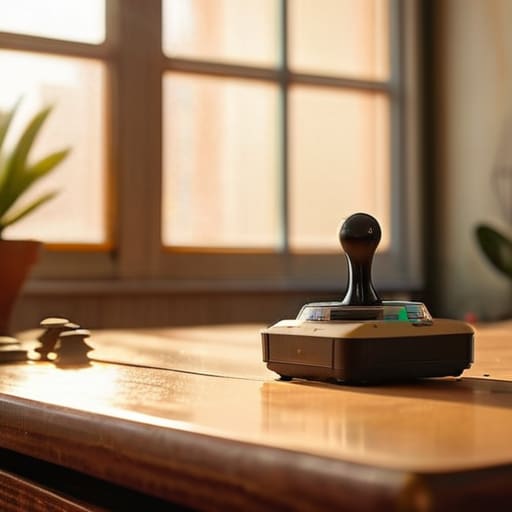
Looking back at my childhood in Vermont, my hands probably spent more time on a chunky, beige joystick than on anything else. Back then, the landscape of retro gaming controller types was beautifully simple—you either had a D-pad that clicked with satisfying rigidity or a joystick that felt like it could survive a small earthquake. There wasn’t much nuance, but there was soul. I remember the sheer thrill of mastering those stiff buttons; it felt like you were physically wrestling with the game itself.
As I moved from tinkering with salvaged parts to studying at MIT, I watched that simplicity explode into a dizzying array of specialized tools. We went from basic directional pads to a world where the difference between arcade sticks and gamepads defines your entire playstyle. Now, we aren’t just pushing buttons; we’re interacting with adaptive triggers and haptic feedback that let us feel the tension of a bowstring or the grit of a gravel road. It’s a far cry from those old plastic sticks on my bookshelf, but that same sense of wonder remains every time a new piece of hardware hits my desk.
Finding Your Perfect Fit Through Gaming Peripheral Ergonomics
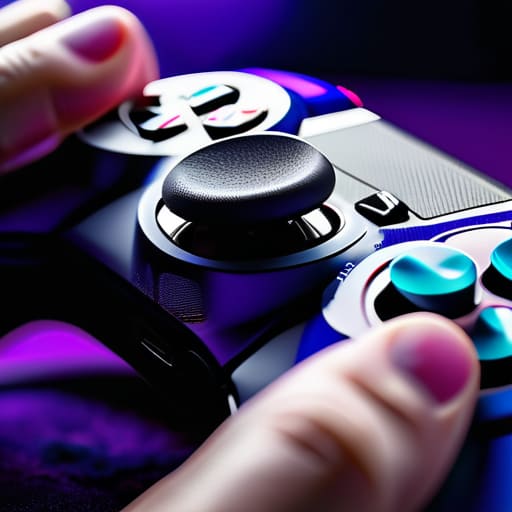
Now, here’s where things get personal. We’ve talked about the history, but how does a controller actually feel in your hands during a marathon session? This is where gaming peripheral ergonomics becomes the real hero of your setup. I remember back in my college dorm days, I’d spend hours tinkering with different grips, only to end up with cramped hands and a very frustrated mood. It’s not just about button placement; it’s about how the weight is distributed and how the contours match your natural palm position. If you’re playing a high-intensity shooter, you want something that feels like an extension of your own body, rather than a plastic brick you’re fighting against.
Choosing your gear is a bit like picking the right pair of running shoes—it’s all about the fit. For instance, if you’re diving into flight sims, the massive difference between a flight simulator joystick vs gamepad can completely change your immersion level. While a gamepad is great for casual exploration, a dedicated joystick offers that tactile precision that makes you feel like you’re actually in the cockpit. Ultimately, the “best” gear is the one that lets you forget you’re even holding a device, allowing you to lose yourself entirely in the digital world.
Leveling Up Your Setup: 5 Pro-Tips for Picking Your Perfect Player
- Don’t just chase the shiny new tech; think about your “genre DNA.” If you’re a soulslike devotee, you’ll want those precise, tactile triggers, but if you’re more about cozy farming sims, a lightweight, ergonomic layout might be your real best friend.
- Test the “Click Factor.” There’s a massive difference between the mushy feel of an old-school membrane button and the crisp, satisfying snap of a mechanical switch. It’s the difference between feeling like you’re playing a game and feeling like you’re part of it.
- Mind the Connection Lag. While I love the aesthetic of my vintage consoles, nothing kills the magic of a fast-paced fighter like input lag. If you’re playing competitively, prioritize a solid wired connection or a high-end low-latency wireless protocol.
- Size Matters (And I’m Not Just Talking About the Screen). If you have larger hands, those tiny, compact mobile controllers might feel like trying to play a piano with mittens on. Always check the scale of the analog sticks relative to your grip.
- Budget for the “Extra Bits.” A great controller is a gateway drug to a whole ecosystem of peripherals. Before you drop a fortune, decide if you’re just looking for a solid daily driver or if you’re ready to dive into the world of customizable back paddles and specialized macro buttons.
Leveling Up Your Setup
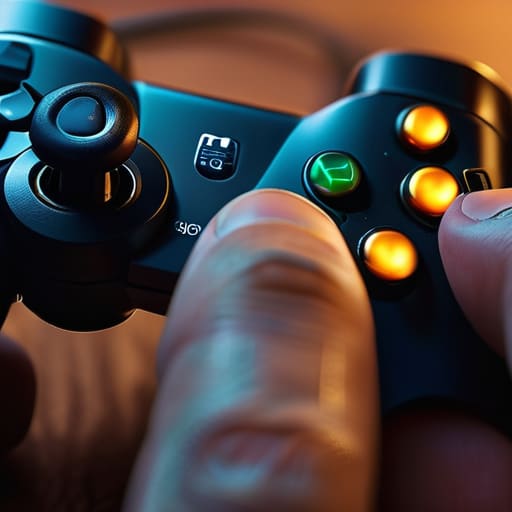
At the end of the day, picking the right controller isn’t just about checking a spec sheet or seeing which one has the most buttons; it’s about finding that perfect bridge between your hands and the digital world. Whether you’re leaning into the nostalgic click of a classic joystick, the precision of a high-end pro controller, or the immersive haptics of a modern gamepad, remember that ergonomics and intent are your best friends. We’ve looked at how the evolution of hardware has changed the way we play, and how understanding the nuances of grip and trigger tension can actually change your entire experience. Don’t be afraid to experiment, because the best controller is ultimately the one that disappears into your gameplay, leaving nothing between you and the adventure.
As I sit here in my office, surrounded by my old consoles—which, by the way, make for some pretty great bookends—I’m constantly reminded that technology is at its best when it feels like magic. I still remember that rush of adrenaline when I finally got my first home-built rig to boot up in that tiny Vermont workshop; that sense of wonder is exactly what I want you to feel every time you pick up a new peripheral. So, go ahead, dive into the gear, get your hands dirty, and don’t let the technical jargon hold you back. Technology should be a tool for limitless creativity and joy, so go out there and find the gear that makes your digital worlds feel more alive than ever!