As a graphic designer, I often squinted at my screen. I was trying to see tiny details in my projects. It was really frustrating, and I knew my monitor was holding me back.
When I switched to a 4K monitor, everything changed. The visual clarity jumped up, and I could see every pixel of my work. This made my workflow better and my projects more fun to work on.
If you need high-quality visuals for work, you’re likely looking for the best 4K monitors. In this article, I’ll show you the options and what makes these monitors great for work.
Key Takeaways
- 4K monitors provide unparalleled visual clarity and detail.
- These displays are essential for graphic-intensive tasks.
- A superior professional display can vastly improve productivity.
- Color accuracy and refresh rates are vital considerations.
- The right connectivity options can streamline your workspace.
Why Choose 4K Monitors for Work
Choosing a 4K monitor can greatly change how I work. The high resolution and advanced features make tasks easier and boost my productivity. Knowing the benefits of 4K technology helps me make a smart choice.
Enhancing Visual Clarity and Detail
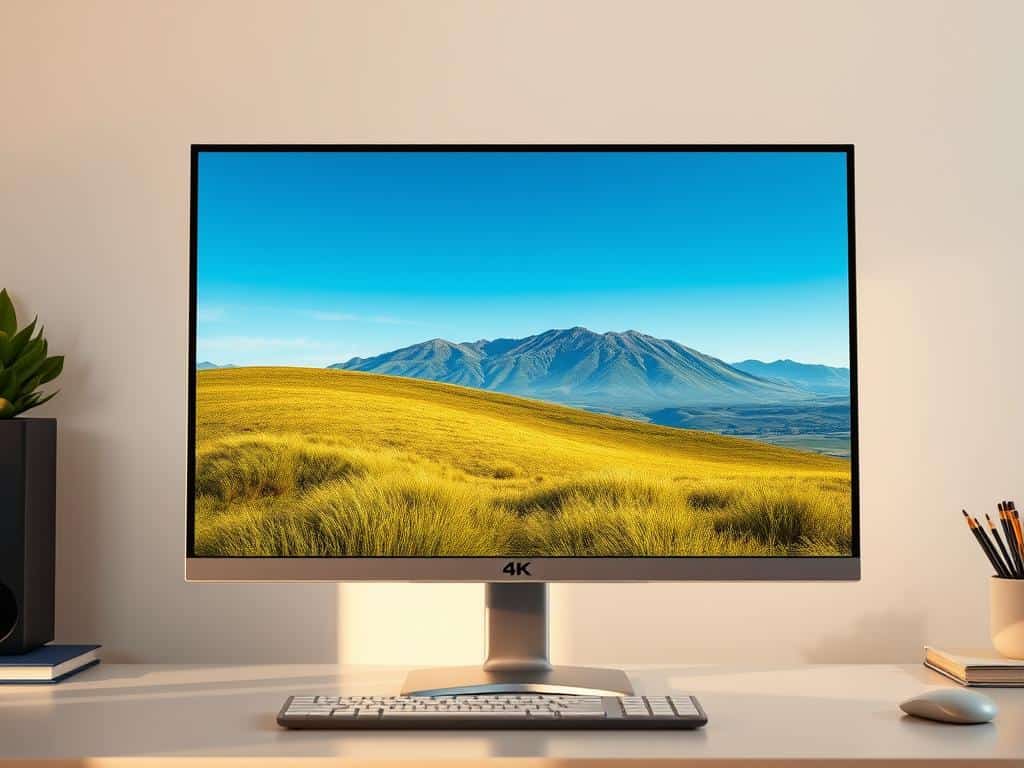
Switching to 4K brings amazing visual clarity, great for design, editing, and technical work. It has four times the pixels of standard Full HD, making everything sharper and clearer. This sharpness lets me see small details without eye strain.
The visual clarity in 4K monitors helps avoid mistakes and improves the quality of my work.
Improving Productivity with Multitasking
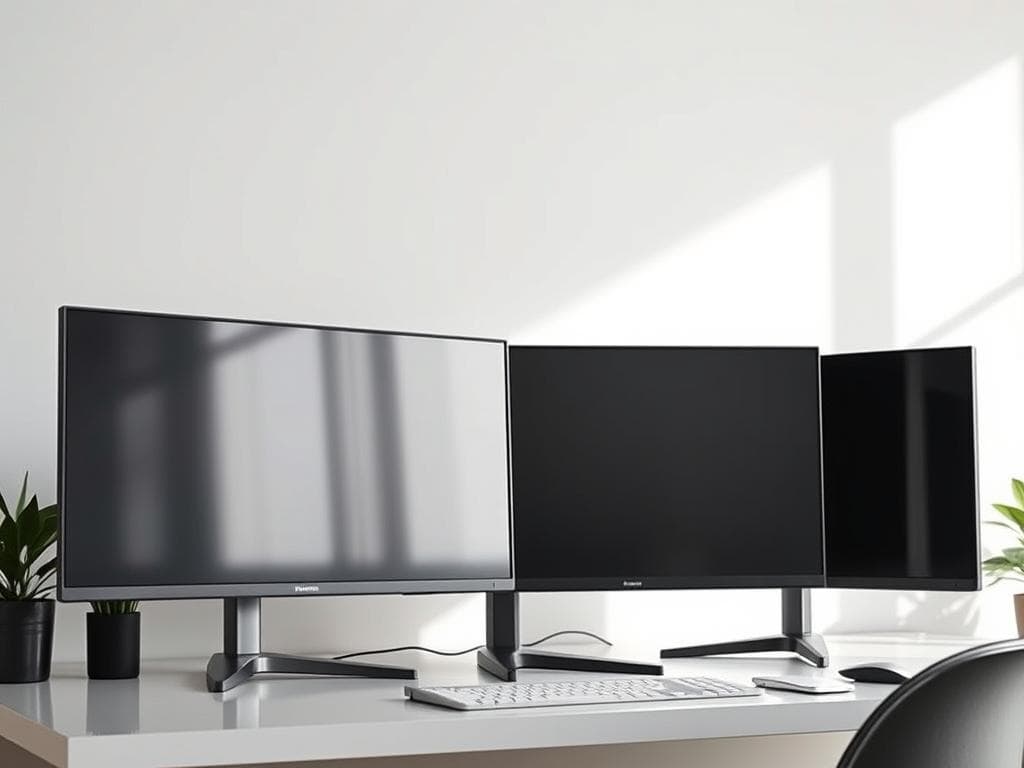
4K monitors have lots of screen space, which means better multitasking efficiency. I can have many windows open at once, making it easy to work on different tasks or research. This setup saves time by reducing the need to constantly switch between tabs or apps.
Benefits for Professional Fields
Many professionals benefit from 4K technology. Photographers and videographers get better color accuracy and detail, making editing easier. Architects and engineers can see their plans in fine detail.
The wide range of 4K benefits shows its value in many fields. It’s a powerful tool for professionals.
Best 4K Monitors for Work
I’ve looked at many 4K monitors for work and picked the best ones. Each has special features that make work easier and look better. Here are my top choices and what makes them stand out.
Dive into Top Picks
The market has many great 4K monitors. But some really shine because of their performance and price. The Dell UltraSharp U2720Q is a top choice with its amazing color and design. The LG 27UK850-W is close behind, with lots of connection options and a modern look. The BenQ PD3220U is great for creatives, with top-notch HDR. These are the best options out there.
Key Features of Each Recommended Monitor
Each monitor has special features for different jobs. The Dell UltraSharp U2720Q is perfect for designers because of its color accuracy. The LG 27UK850-W has USB-C for easy setup. The BenQ PD3220U is great for editors and photographers with its color space and dual view. These features make work better and more efficient.
Comparative Analysis of Prices and Performance
When comparing prices and performance, the Dell UltraSharp U2720Q is a great value. The LG 27UK850-W is a bit cheaper but just as good. The BenQ PD3220U is pricier but worth it for creatives. Knowing these details helps you make a smart choice.
Conclusion
Choosing the right monitor is key for better work productivity in today’s fast world. 4K monitors offer stunning clarity and help with multitasking. They make your workspace better for success.
Exploring options, I found different needs for different jobs. Graphic designers need color accuracy, while business folks want more screen space. The best 4K monitors meet these needs, improving everyone’s work experience.
Adding a 4K monitor to my desk changed my work life. It makes my tasks clearer and more efficient. The 4K monitor benefits help me stay focused and organized, leading to more success.