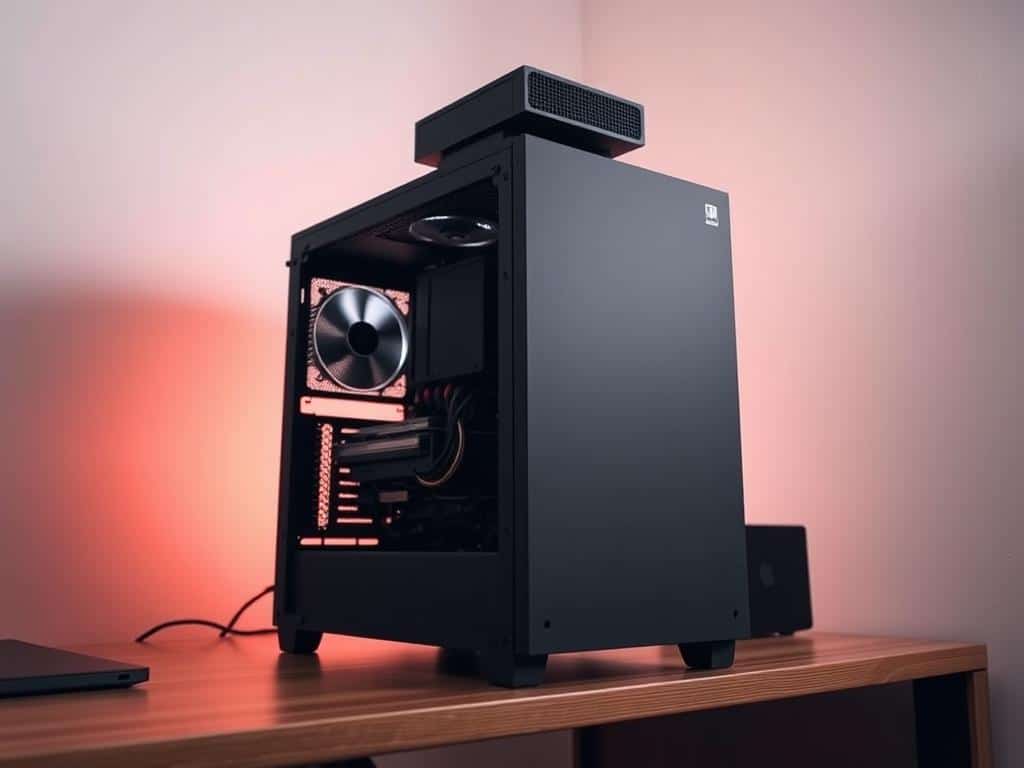
Not long ago, I started a quest for the perfect computing space. My old Windows Media Center was powerful but loud, like a jet engine. I aimed for zero noise and top performance, diving into silent PC builds.
Choosing the right parts was key. From the processor to cooling solutions, each piece mattered. This article will show you how to find the perfect quiet PC build.
Key Takeaways
- Building a silent PC can significantly improve your computing experience.
- Choosing the right low-TDP processor is essential for minimizing noise.
- The power supply should be carefully selected to ensure quiet operation.
- Effective cooling solutions are critical for keeping performance without sound.
- Different noise reduction techniques can enhance your build’s quietness.
- Replacing traditional hard drives with SSDs helps in achieving a noiseless setup.
Understanding the Basics of Silent PC Components
Building a quiet PC means picking each part carefully. Each piece must help reduce noise without losing performance. It’s key to choose a low-TDP processor, a good power supply, and effective cooling solutions for a silent PC.
Choosing a Low-TDP Processor
For a quiet PC, I look for CPUs with low Thermal Design Power (TDP) ratings. These processors make less heat and need less cooling. AMD’s Ryzen and Intel’s Core series are great for quiet operation. They offer efficient performance with little noise, making for a peaceful computing experience.
Power Supply Considerations
The power supply is vital for a quiet PC. I choose PSUs with high efficiency ratings, like 80 Plus Gold or higher. These units use less power and are quieter. Semi-passive fan modes are also good; they turn off the fan when not needed, keeping things quiet. Corsair, Seasonic, and EVGA make great options for low noise.
Cooling Solutions
Cooling is key for a silent PC. Air cooling systems are effective for keeping noise low while keeping things cool. I like CPU coolers with big heatsinks and low-RPM fans from Noctua and be quiet!. Liquid cooling is another option but can be noisy. Passive cooling is the quietest, but it’s best for low-power systems.
Using SSDs for storage means less noise, as they have no moving parts. HDDs can be used with vibration-dampening trays to reduce sound further.
How to Build a Silent PC – Steps for Execution
Building a silent PC needs a careful plan to keep it quiet without losing performance. I’ll share steps to cut down fan use, pick the right storage, and use noise-reducing methods. This will help you make a fanless setup that’s both functional and quiet.
Minimize Fan Usage
Start by using fewer fans in your silent PC. Choose parts with low heat output to reduce cooling needs. Use top-notch thermal paste to help cool the CPU better, letting you use bigger, quieter heatsinks.
Also, get a fanless power supply. It’s quieter and more efficient.
Storage Solutions
For storage, swap hard drives for solid-state drives (SSDs). SSDs have no moving parts, making them very quiet. They also offer lots of storage without much noise.
Use external drives for backups to keep your system quieter. This way, your PC can run more quietly.
Noise Reduction Techniques
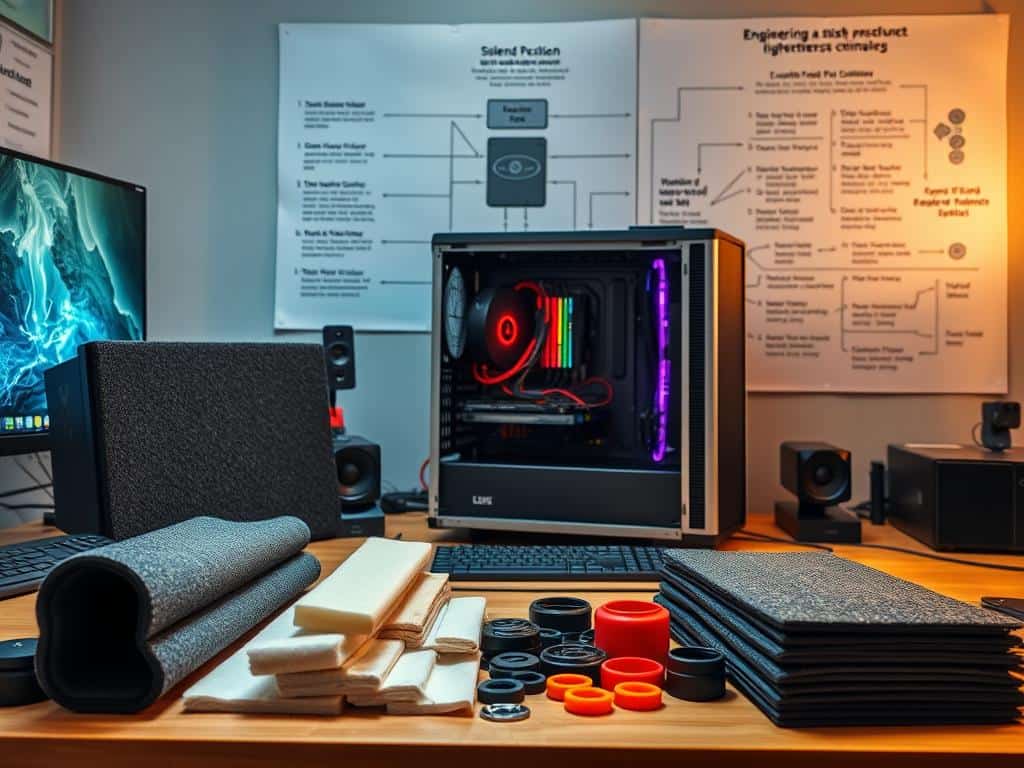
Using noise-reducing techniques is key for a silent PC. Soundproofing your case is a good start. You can add acoustic foam or use rubber grommets and mounts for parts.
Plan how you arrange your components and cables. This helps with airflow and reduces cooling needs. Keeping your PC clean from dust also helps it cool better without needing more fans.
Conclusion
Creating a silent PC is more than just picking parts. It’s about understanding how each piece affects performance and noise. Choosing low-TDP processors helps keep things cool and quiet, reducing the need for loud fans.
The power supply is also key. Brands like be quiet! make high-efficiency options that are super quiet. This lets me keep my PC quiet without losing power. With coolers like the Silent Loop 2 and Dark Rock Pro 4, my PC stays quiet even when it’s working hard.
Using Solid State Drives (SSDs) also helps a lot. They don’t have moving parts, which means less noise. With these steps, I can build a PC that’s both powerful and quiet. This way, I get to enjoy a peaceful computing experience without sacrificing performance.