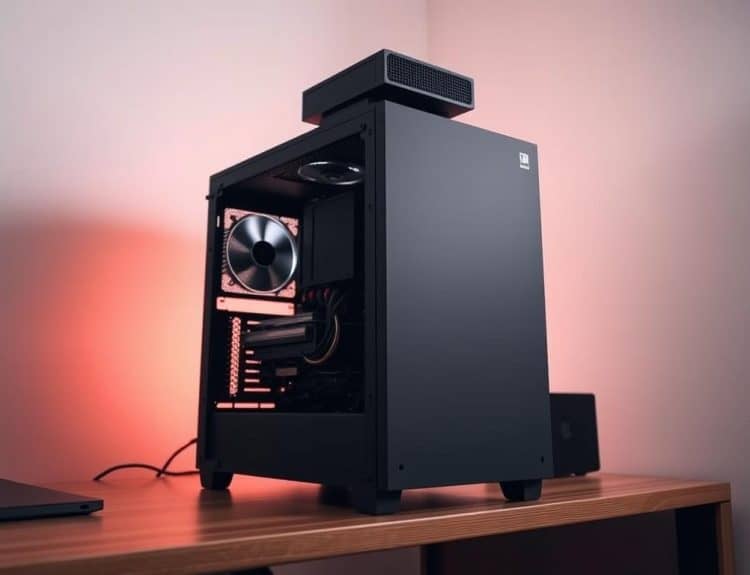
Months ago, I decided to upgrade my computer. I was excited but a bit nervous. I soon found out how hard it is to pick the right CPU.
I thought it would be easy to choose the best processors. But, learning about Intel vs AMD and comparing CPUs was tough. I faced unexpected issues with compatibility and performance.
This experience taught me a lot. I want to share these lessons with you. They will help you avoid common mistakes when choosing a CPU.
Whether you’re a gamer, content creator, or just a regular user, knowing these mistakes can help a lot. In this guide, I’ll explain the common errors to avoid. This way, you can make a smart choice for your next CPU.
Key Takeaways
- Choosing the right CPU can significantly affect system performance.
- Consider your primary usage before selecting a processor.
- Compatibility with existing hardware is key.
- Cooling solutions are important and shouldn’t be ignored.
- Understanding the differences between Intel vs AMD is essential.
Understanding the Importance of Choosing the Right CPU
Choosing the right CPU is key for better performance and user experience. Different tasks need specific CPU features. Knowing what you need helps make the right choice, whether for gaming, content creation, or multitasking.
Defining Your Purpose for the CPU
It’s important to know why you need a CPU. My needs change a lot, so I think about a few things:
- Gaming CPUs need high clock speeds for smooth games and fast loading.
- Content creation CPUs require more cores for tasks like video editing and streaming at the same time.
- For everyday use, a balanced CPU with moderate cores and speeds works best.
Evaluating Performance Metrics
To choose wisely, you must understand CPU performance metrics. Key points to look at include:
- Core count affects how well you can multitask and handle demanding apps.
- Clock speed shows how fast a CPU can handle tasks, affecting speed and response.
- Looking at benchmarks helps see how different CPUs perform in various situations.

How to Choose a CPU – Avoiding Common Mistakes
Choosing the right CPU is key. It must work well with your current hardware and have good cooling. Many people miss important details, leading to problems or even damage. Here are some tips to help you make the right choice.
Ignoring Compatibility Issues
It’s vital to check if your CPU fits with your system. Here are some tips to help you:
- Make sure your motherboard socket type matches your CPU model.
- Look up the chipset of your motherboard to see if it works with your CPU.
- Ensure your RAM is compatible with both your CPU and motherboard.
Overlooking Cooling Solutions
Good cooling is essential for your CPU’s performance. Not having the right cooling can cause your CPU to slow down. Here are some things to remember:
- Get a cooling system that can handle your CPU’s wattage to avoid overheating.
- Think about the airflow in your case and where to put your fans for best cooling.
- Check the cooling system’s thermal performance to make sure it lasts long.
Conclusion
Choosing the right CPU is key when building or upgrading a computer. I’ve learned to make better choices by understanding CPU selection and avoiding common mistakes. This guide shows how important it is to know what you need and check performance metrics.
One important tip is to check if the CPU works with your current hardware. Not doing this can cause problems later. Also, think about cooling solutions, as good cooling is vital for performance. Avoiding these mistakes can save you time, money, and stress.
In short, picking the right CPU can really improve your computer use. By following these tips, you can better handle the market’s complexities. With careful thought and research, finding the perfect CPU for your system is possible.