Switching from a hard drive to a solid state drive changed everything. It was like my whole computer got a new lease on life. Boot times were much faster, apps launched quicker, and everything felt smoother.
But, I soon found out not everyone could afford the top SSDs. So, I set out to find the best budget SSDs. These affordable SSD options offer great speed without costing a lot. They’re perfect for everyday tasks, gaming, and more.
If you’re searching for cheap SSD deals, you’re in luck. There are many options that don’t skimp on performance. In this article, we’ll look at budget SSD deals that boost your computer’s speed without hurting your wallet. Let’s explore the amazing NVMe drives that offer great value!
Key Takeaways
- Budget SSDs can improve performance significantly compared to traditional hard drives.
- Affordable SSD options are available that do not compromise on speed.
- Choosing the right type of SSD can enhance your overall computing experience.
- Many budget SSDs now utilize NVMe technology for better performance.
- Shop smart to find the best budget SSDs that meet your needs.
Introduction to Budget SSDs
In recent years, the market for budget SSDs has grown a lot. This makes it easier for people to find affordable SSDs that fit their needs. SSDs were once seen as expensive, but now there are many cheap options without losing performance.
Now, I look at different types of SSDs, like NVMe and SATA. This ensures they work well with many devices. Knowing what makes a budget SSD good helps me see how it can make my computer better. These drives make my computer start up faster and run apps smoother, which is great for gaming too.
Performance vs. Price: Finding the Best Budget SSDs
When searching for the best budget SSDs, knowing the differences is key. There are two main types: SATA and NVMe. Each has its own strengths and weaknesses, affecting both cost and performance.
Understanding SSD Types
SATA SSDs use older SATA III interfaces, capping their speed at about 550 MB/s. They’re good for everyday tasks like browsing or editing documents. On the other hand, NVMe SSDs use PCIe, reaching speeds over 3,500 MB/s. This is vital for tasks like gaming and video editing.
Understanding SATA vs NVMe helps choose the right SSD for your needs.
How to Assess Speed in Budget SSDs
To judge SSD speed, look at read and write speeds, latency, and IOPS. NVMe SSDs handle high IOPS better, making them more responsive. SATA SSDs are okay for general use but struggle with heavy tasks.
By examining these factors, you can make smart choices based on your needs and budget.
Top Recommendations for the Best Budget SSDs
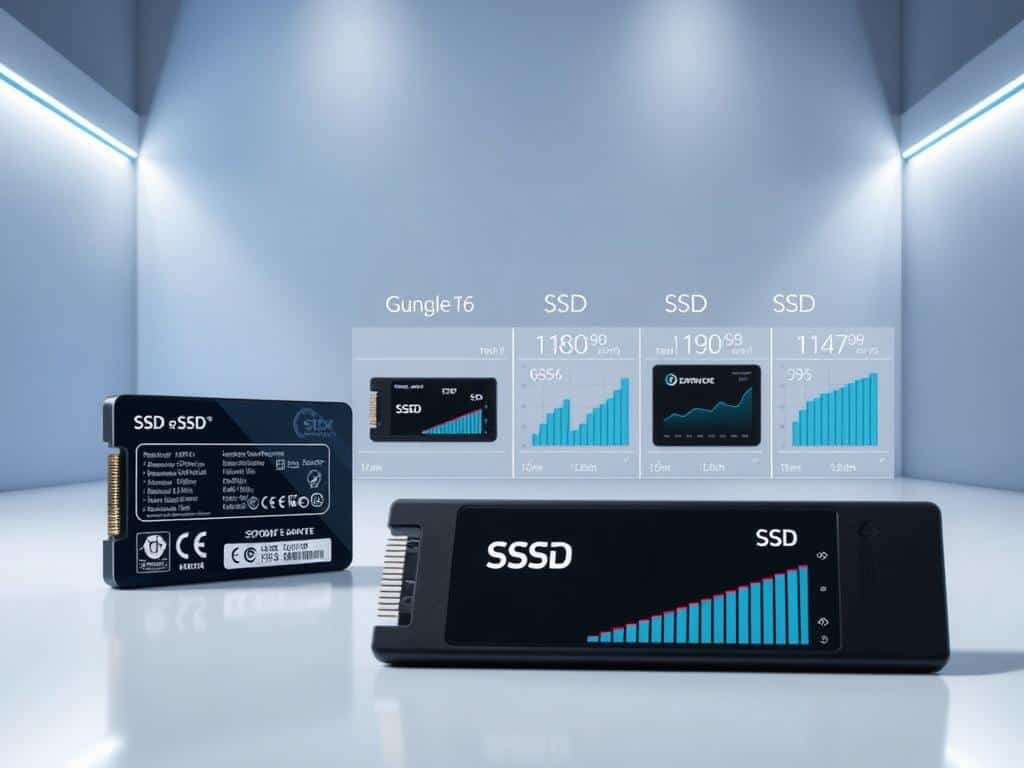
Looking for the best budget SSDs? Several options are top picks for their great performance and low prices. Each one meets different needs, giving you reliable storage without spending too much. Let’s take a closer look at three standout choices.
Crucial P3 – Exceptional Value in PCIe 3.0 SSDs
The Crucial P3 offers a great mix of price and speed. It’s one of the best budget SSDs out there. With 500GB for about $45 and 1TB for $65, it’s a smart choice for everyday use.
It’s perfect for those upgrading from traditional HDDs. Its performance boosts multitasking and gaming, making a big difference. Even though it’s not the fastest, it’s a great value.
WD Black SN7100 – Best PCIe 4.0 SSD for Gamers
Gamers will love the WD Black SN7100. It’s a top pick for affordable storage. This PCIe 4.0 SSD speeds up game loading and offers strong performance for gaming.
It’s advanced but priced well, giving gamers fast data transfers without the high cost.
Samsung 870 EVO – Reliable SATA SSD Choice
The Samsung 870 EVO is a top SATA drive. It’s durable and fast, perfect for tasks like video editing. It may not have the bandwidth of PCIe drives, but it’s reliable and a great value.
Conclusion
Budget SSDs are changing the storage game. They offer fast and reliable storage without costing too much. I’ve found great options like the Crucial P3, WD Black SN7100, and Samsung 870 EVO. These drives show you can get high speeds without breaking the bank.
The Crucial P3 and WD Black SN7100 can read and write up to 3,500 MB/s and 3,000 MB/s. The Samsung 870 EVO has SATA speeds of up to 560 MB/s. These speeds show that you don’t have to spend a lot to get great performance.
Knowing how to pick a budget SSD based on speed and type is key. This way, you can find the perfect drive for your needs. The progress in affordable storage shows that you can have great performance without a high price.