As a passionate gamer, I always looked for ways to improve my gaming without spending a lot. One day, while playing a tough game, I saw my frame rates were lower than my GPU’s limit. This made me frustrated as I watched my opponents move smoothly.
That’s when I decided to try overclocking my GPU. I didn’t know it would boost my gaming and give me more free FPS. Optimizing my gaming didn’t need a new graphics card. It just needed some research, the right tools, and patience.
Let’s explore how you can overclock your GPU and improve your gameplay like I did.
Key Takeaways
- Overclocking a GPU can significantly enhance game frame rates.
- The process involves adjusting your GPU’s clock speeds for better performance.
- With the right tools, overclocking can be both safe and effective.
- It’s a cost-free method to optimize gaming without additional hardware.
- Understanding your GPU’s limits is key before overclocking.
Understanding GPU Overclocking
GPU overclocking boosts your graphics card’s performance by increasing its clock speed. This tweak gives you a big performance jump in games and apps that use lots of graphics. It lets you get higher frame rates, making games smoother and more fun.
For those with top-notch cards like the NVIDIA Titan Xp, overclocking is key. It helps handle tough games like Nier: Automata.
What is GPU Overclocking?
GPU overclocking is about tweaking your graphics card’s settings to get more power. Every GPU has a default clock speed. By tweaking it, you can make your GPU work way better than it was meant to.
Why Overclock Your GPU?
Overclocking your GPU does more than just impress others. It makes games run smoother and faster. This makes your gaming experience better.
But, overclocking can be risky. It might make your GPU unstable or too hot. This could damage it or void its warranty. So, it’s important to know the risks and be ready for the benefits.
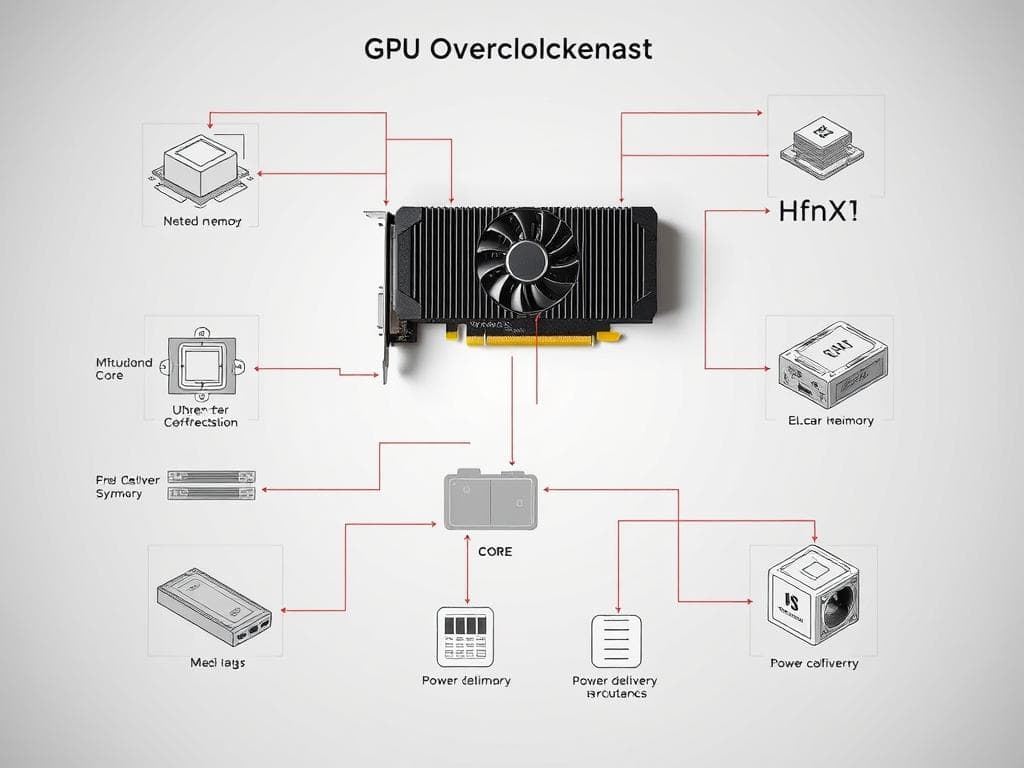
How to Overclock a GPU
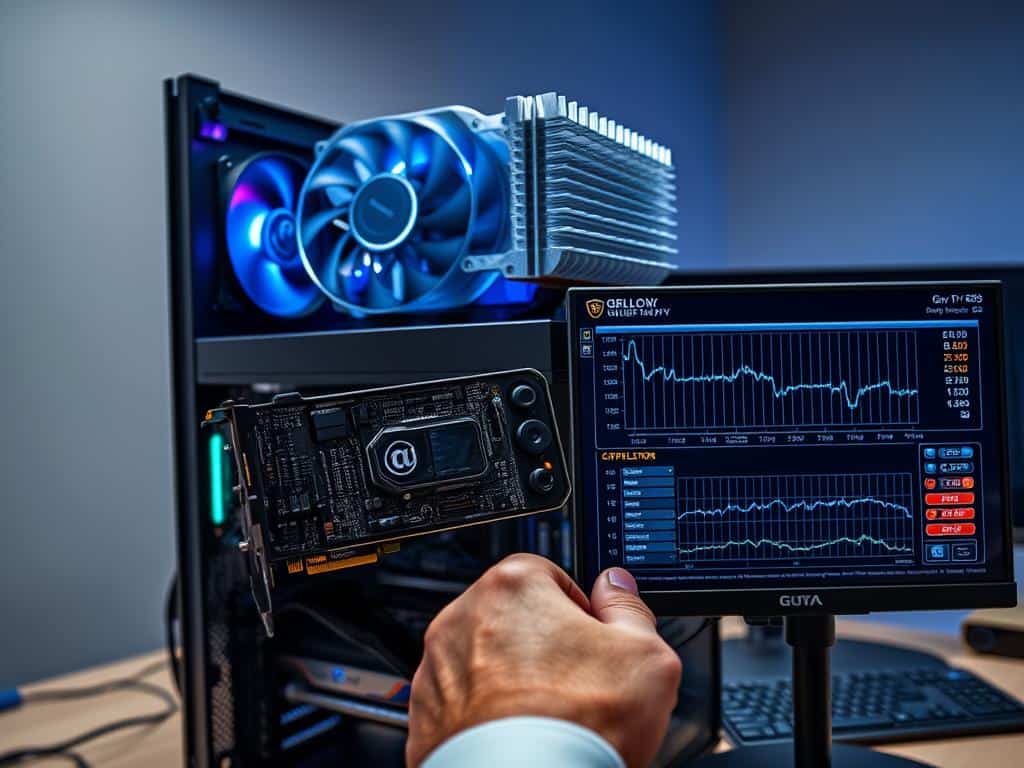
Overclocking a GPU might seem scary at first, but it’s easier than you think. Knowing which tools to use is key. Tools like MSI Afterburner and EVGA Precision X1 make it simpler to boost performance.
Essential Tools for Overclocking
Choosing the right tools is the first step to overclocking your GPU. MSI Afterburner is a top choice for its easy-to-use interface. It lets you adjust clock speeds and power limits with just a few clicks. The OC Scan feature is great for automatic overclocking, perfect for newer NVIDIA cards.
If you have an EVGA card, EVGA Precision X1 is a great alternative. It offers features tailored for EVGA graphics cards.
Step-by-Step Overclocking Process
To start overclocking, make sure you have the right tool installed. With MSI Afterburner or EVGA Precision X1, you can tweak your GPU’s clock speeds. Begin by increasing the core clock a bit at a time, then test for stability.
Using benchmarking tools like 3DMark or Unigine Valley helps you see how your changes affect performance. This careful approach lets you push your GPU to its limits without losing stability. You’ll enjoy a smoother gaming experience.
Conclusion
Understanding GPU overclocking can greatly improve gaming and computing. By tweaking clock speeds and testing my system, I can boost FPS without spending more. It’s important to watch system stability and temperatures to keep my GPU safe.
But, overclocking can be risky if not done right. It might harm my hardware. Yet, following best practices and using trusted tools can lower these risks. This way, I can make my gaming better.
As tech gets better, staying updated on new methods and tools is key. Overclocking can be a fun and rewarding journey. It makes my gaming experience even more exciting.