Did you know over 90% of the world’s data is unstructured? The need to turn printed text into editable formats has grown. This is where OCR technology comes in. OCR, or Optical Character Recognition, changes the game by quickly making images into text.
Using the best OCR software makes tasks like extracting text from images and converting PDFs to text easy. As we explore OCR apps, you’ll see how they work and why they’re key for managing documents efficiently. They’re vital for both personal and professional use.
Key Takeaways
- OCR technology converts images into editable text.
- Best OCR software increases productivity and efficiency.
- Image to text extraction saves time in document handling.
- OCR applications have evolved significantly over the years.
- PDF to text conversion is now quicker and more accessible.
Understanding OCR Technology and Its Benefits
OCR technology, or Optical Character Recognition, is a way to turn documents into data that computers can read. It’s great for scanned papers, PDFs, and photos from cameras. It uses smart algorithms to make printed texts editable.
What is OCR?
OCR technology lets you turn printed pages into digital content. This makes my work easier. It cuts down on manual typing and makes searching and organizing documents simple.
Why Use OCR Apps?
OCR apps have many benefits. They’re fast at recognizing text, which saves time. They’re also very accurate, which is key for big data. Plus, they’re easy to use, supporting many languages.
Applications of OCR Technology
OCR technology has many uses. Students can digitize notes for quick access. Professionals can turn business cards into contacts. It makes document processing efficient, improving productivity.
Best OCR Software for Different Platforms
When looking for top OCR solutions, it’s key to consider compatibility across platforms. There are many great options for Windows, web-based apps, and mobile devices. Let’s dive into some of the best choices for each category.
Image to Text Extractors for Windows
For Windows users, PDFelement is a standout. It’s great at turning images into text and also edits PDFs well. ABBYY FineReader is another top pick, known for its accuracy and support for many languages. Both make managing documents easy.
Online OCR Solutions
Online OCR tools are handy because you don’t need to install software. HiPDF is a good example, making it easy to extract text from images and documents. Even though some features need a subscription, the free versions work well for most needs.
Mobile OCR Apps
Mobile apps like Scanner Pro for iOS and Text Scanner for Android are perfect for on-the-go use. They quickly scan documents and images, turning them into editable text. Both apps are easy to use and reliable.
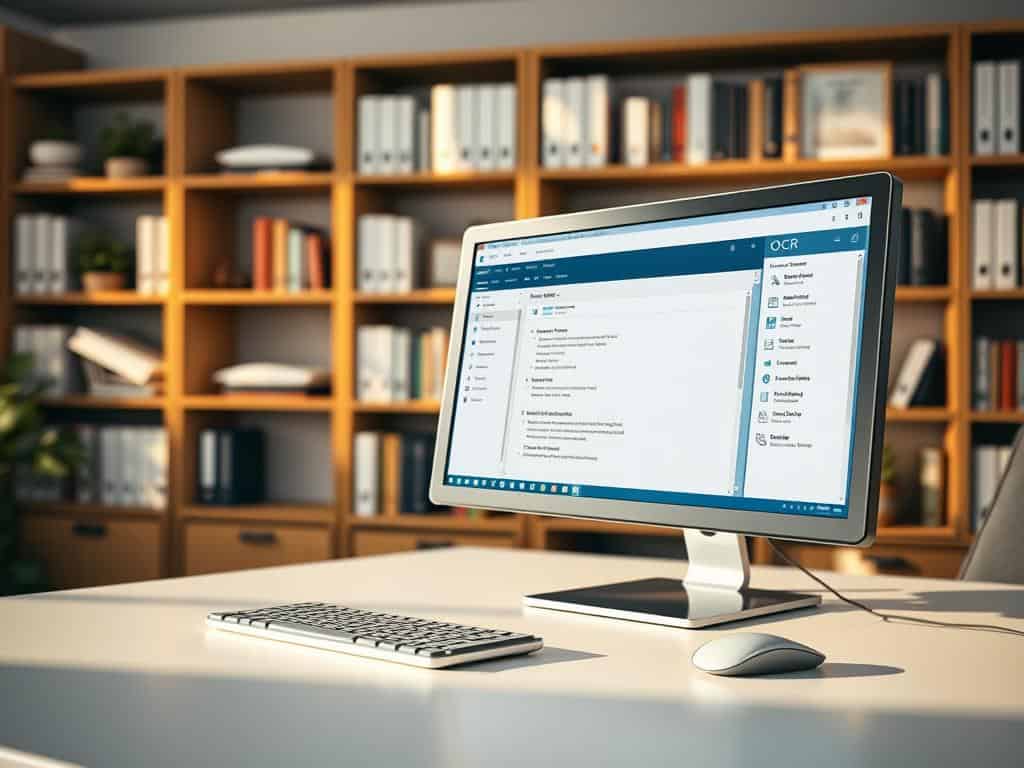
Top OCR Apps for Quick Text Extraction
I’ve found many top OCR apps that are great for turning images into text. Each app has special features for different needs. They are the best for quickly getting text from images.
PDFelement: A Versatile Tool
PDFelement is a top app for text extraction. It has strong OCR features for both personal and work use. It lets users edit documents and get text from scanned images easily.
The app’s easy-to-use design makes it simple for everyone. Even those not tech-savvy can use it.
Scanner Pro: The iOS Choice
Scanner Pro is the best for iOS users. It works well with Apple devices, making it easy to use. It has features like distortion correction and direct file conversion.
It captures clear images and turns them into editable formats. This makes it a top choice for text extraction.
Text Scanner: Simple Solutions for Android Users
Text Scanner is great for Android users. It has a simple interface and supports many languages. This makes extracting text easy and effective.
Conclusion
Exploring OCR technology has shown its importance in today’s digital world. It helps us extract text from images and documents, boosting productivity. This makes tasks easier and document management more efficient.
When picking OCR software, it’s key to think about what I need and the software’s compatibility. There are many options, from easy-to-use mobile apps to powerful desktop software. These tools help make workflows smoother, letting me focus on important tasks.
Reflecting on OCR’s value, I see how it improves document handling efficiency. It’s useful for school, business, or personal projects. The right OCR application simplifies text extraction, saving time and boosting productivity.