Working on my laptop for hours, I’ve felt it get too hot. The first time it happened, I was working on a big project. My computer started to slow down and felt hot. This made me look for ways to keep it cool.
I learned that knowing why it overheats is key. I’ll share some easy ways to keep my laptop cool. These tips help me work without interruptions.
Key Takeaways
- Overheating can lead to serious hardware damage.
- Knowing the causes of overheating helps in devising laptop cooling strategies.
- Effective laptop cooling hacks can improve performance.
- Implementing simple fixes can prevent overheating.
- Maintaining airflow is critical for laptop cooling.
- Regular maintenance can extend your laptop’s life.
Understanding Laptop Overheating
Overheating is a common problem for many laptop users. It can be really frustrating when your laptop gets too hot. This often causes it to slow down. Knowing why laptops overheat is the first step to fixing it.
Many things can cause overheating. This includes dust blocking the fans and vents, and running too many apps at once. I’ve seen how using demanding software for a long time can make laptops overheat and slow down.
The Causes of Overheating
Dust buildup inside the laptop is a big reason for overheating. When fans and vents get blocked, the laptop can’t cool down. Running apps that use a lot of resources can make things worse.
I’ve noticed that using demanding software for a long time can make laptops overheat. This can cause the system to slow down a lot.
Potential Risks of Overheating
Overheating can cause more than just slow performance. It can make the processor work slower to cool down. This can be a big problem when you need to get things done fast.
Also, overheating can make your laptop shut down unexpectedly. This can really mess up your work. Plus, it can shorten the life of your laptop’s parts, which can cost a lot to fix.
Laptop Cooling Hacks to Implement
Keeping my laptop cool is key for it to work well. I’ve found some great ways to keep it from overheating. These include improving airflow and using special tools.
Elevate Your Laptop for Better Airflow
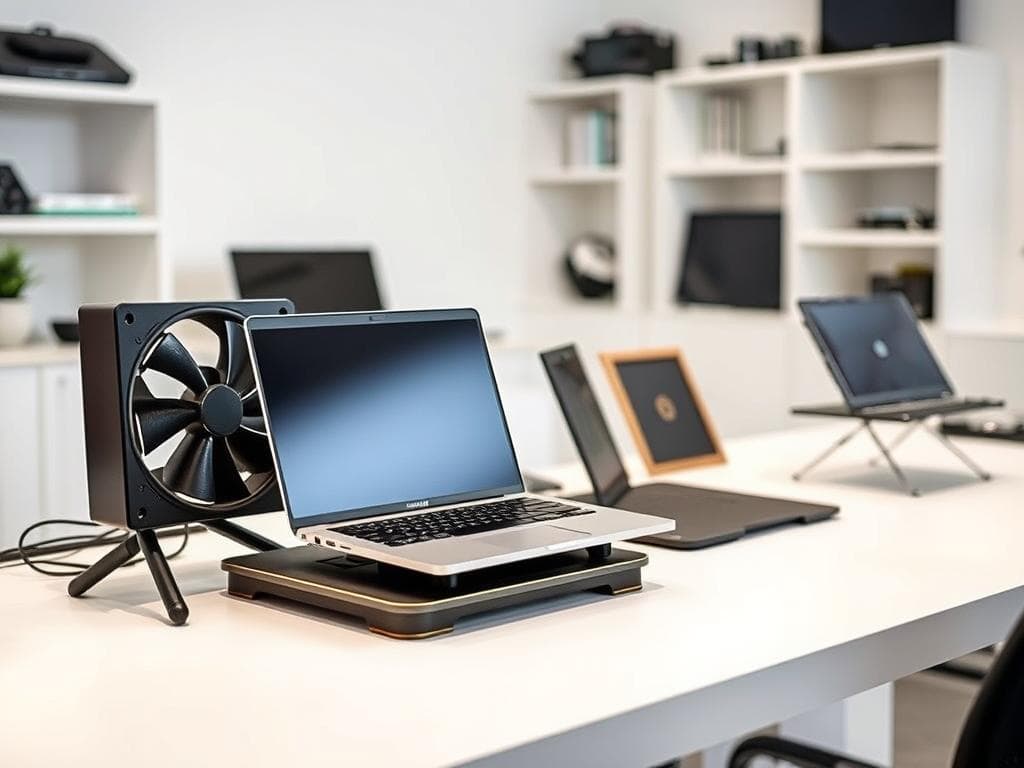
One easy trick is to lift my laptop. Putting it on a hard surface or a stand helps air move better. This keeps the laptop from getting too hot and helps it cool down.
Utilize Cooling Pads for Efficiency
Cooling pads have really helped me. They have fans that help air move and keep the laptop cool when it’s working hard. There are many types to choose from, so I can find one that fits my laptop.
Control Your Workload
I also try to manage what my laptop does. Running too many apps at once can make it too hot. I use tools like SpeedFan to watch the fan and CPU, so my laptop stays cool.
Laptop Cooling Hacks to Avoid
Keeping my laptop cool is important. I avoid certain practices to prevent overheating. It’s key to know which actions to steer clear of.
Avoid Soft Surfaces
Using my laptop on soft surfaces, like beds or sofas, blocks airflow. This causes heat to build up. I always use a flat, hard surface for my laptop to keep it cool.
Stay Away from Heat Sources
Heat sources can make my laptop overheat. I keep it away from direct sunlight and radiators. Knowing what causes heat helps keep my laptop running well.
Don’t Ignore the Fans
Regularly cleaning my laptop’s fans is a must. Dust can clog them, reducing efficiency or causing failure. I clean the fans to keep my laptop cool. Taking care of the fans helps my laptop last longer and prevents overheating.
Conclusion
In wrapping up this discussion, I want to stress the importance of laptop cooling hacks. These simple steps have greatly improved my device’s performance. I’ve seen a big boost in how well it works and how long it lasts.
Learning about overheating has helped me stay ahead. By following good practices like using cooling pads, my laptop stays cool. This keeps my work flowing smoothly, even when I’m doing important tasks.
By making these habits part of my daily routine, my laptop’s performance and life have improved a lot. A few smart changes have made a big difference in how I use technology. It’s clear that cooling is key to keeping your laptop running well.