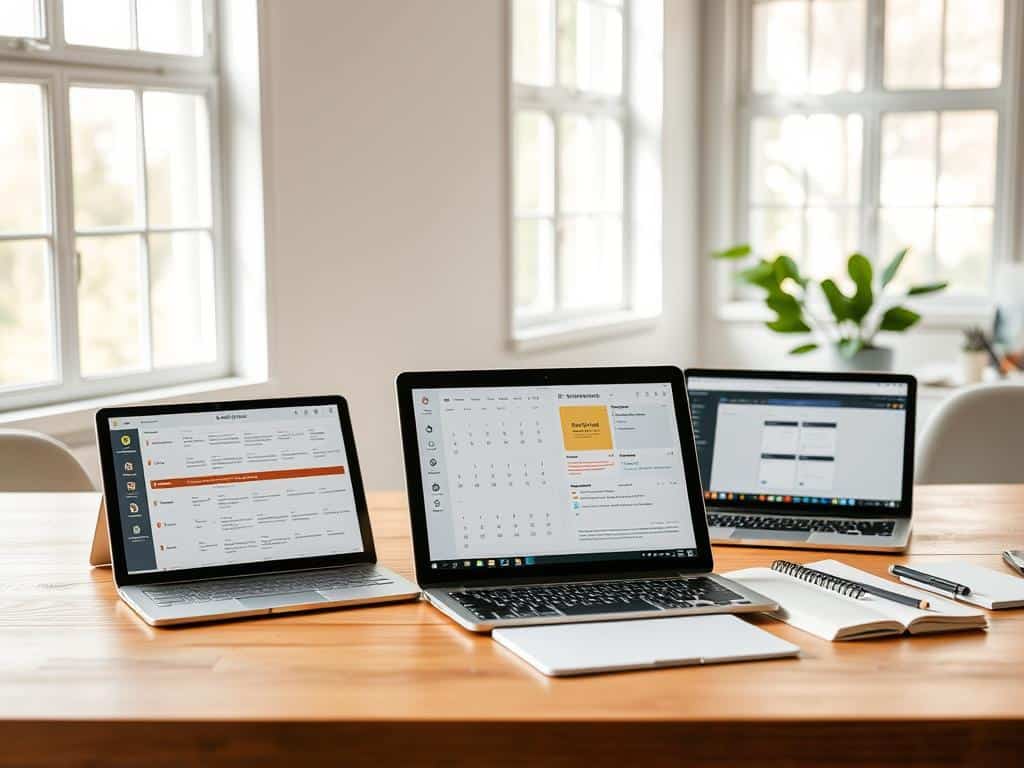
Did you know 70% of people feel swamped by daily tasks? Our world is fast-paced, making organization key. Digital planning is a game-changer for anyone wanting to boost efficiency. With complexities of life on the rise, the top digital planners offer an easy way to handle scheduling and tasks. They boost productivity too. Forget messy desks and paper planners. Now, I can pick a life planning app that suits my lifestyle perfectly. These digital planners meet my time management needs. They also make my space tidier and my life less hectic. Let’s see how these tools can improve our daily routines.
Key Takeaways
- The best digital planners can significantly reduce feelings of overwhelm.
- Digital planners streamline task management and organization.
- These productivity tools are more accessible than traditional paper planners.
- Life planning apps can be tailored to meet individual needs.
- Making the switch to digital can foster a stress-free environment.
Introduction to Digital Planning
I’ve found that digital planning totally changed how I handle my tasks and time. Digital planners make staying organized and productive much easier. With online calendars, all my reminders and events are in one spot. This means I no longer struggle with using different ways to stay organized.
The Importance of Digital Planners
Digital planners are key for keeping life organized. They let me keep my schedules and tasks together, making it simpler to manage everything. They’re more than a digital paper calendar. They help me create a routine that boosts my productivity.
How Digital Planners Transform Productivity
Digital planners have changed how I improve my productivity. Being able to access my planners from any device means I can stay organized anywhere. They work well with other tools I use, which helps me work more efficiently. This has really helped me get better at managing my tasks and time.
Best Digital Planners
I explored many digital planners to see what’s out there. I found options for everyone, from individual users to big teams. Every planner has its special features and benefits, making work flow better and boosting productivity.
All-in-One AI Scheduler: Motion
Motion is amazing as it combines everything – tasks, meetings, and calendars. It even rearropes schedules based on what’s important and urgent. People like using it on both computers and phones. There may be some small issues, but it works really well overall.
AI Scheduler for Teams: Reclaim
Reclaim is perfect for teams to work together smoothly. It works great with popular tools like Slack and Asana. It plans around how people work and their meetings. It doesn’t have a mobile app, but it’s very good on desktop.
Distraction-Free Digital Planner: Sunsama
Sunsama helps keep distractions away. It puts tasks from different places into a simple daily list. This helps with planning realistically and looking back at the end of the day. It’s great for focusing on important tasks.
Project Management Tool: Notion AI
Notion AI is flexible enough to be a digital planner or project management tool. It’s impressive how it organizes many kinds of projects. It might be tough to learn at first, but the effort pays off.
Budget-Friendly AI Scheduler: Trevor
Trevor is affordable and still does a great job at scheduling. It’s aimed at people who want to manage their time well without spending a lot.
Smart Time-Blocking Assistant: Akiflow
Akiflow is great at pulling tasks from many places into one spot. It’s ideal for busy people with a lot to do. Its design makes working clear and efficient.
Productivity Platform: ClickUp
ClickUp combines project management and scheduling in one place. It has lots of features, but adding more users can get expensive. Still, ClickUp is a top choice for those who need everything it offers.
Features to Consider When Choosing a Digital Planner
Choosing the right digital planner is about knowing what features you need. Essential features include working with other tools, being able to customize, and understanding the cost. Making a smart choice here can make handling tasks and planning your day easier.
Integration with Other Productivity Tools
Being able to connect with other tools is key. For example, linking up with Google Calendar and Slack lets my work flow better. Google Calendar syncs up for reminders, keeping me on track. Asana helps manage tasks and work with my team smoothly.
Customization Options for Personalization
Being able to make it my own is critical in my choice. A planner that I can customize helps me use it more. It lets me pick designs and colors that suit me, which makes me want to use it more and do more.
Pricing and Subscription Models
Knowing how much it costs is important. Digital planners have different plans for different needs. Planify Pro has a Personal Plan at $9.99 a month. It has loads of templates and can work with Google Calendar. The Business Plan is $19.99 a month and has more perks. This lets me pick the best option for my budget and needs.
Conclusion
The best digital planners are great tools for anyone wanting to be more productive and organized. They fit perfectly with today’s quick lifestyle, offering helpful ways for both teams and individuals to work together. By using these tools, I’ve made my daily work much easier.
As tech gets better, it’s important to use digital planners for achieving our goals. These planners come with AI and can easily work with other tools we use. This helps me organize better and get more done.
I suggest looking at the different planners we talked about. They offer many features for various needs and preferences. Picking carefully means you’ll find a planner that fits your speed, helps you stay organized, and reaches your goals.