Did you know that lithium-ion batteries, which power nearly all smartphones today, can last only between 500 to 1,000 full charging cycles? This fact makes me think about how to make my phone’s battery last longer. Each charge cycle reduces the battery’s power, so managing power well is key for both iPhone and Android users.
Imagine using your phone for hours without needing to charge it! With the right tips, you can make your phone’s battery last longer. This means you won’t have to rush to find a charger as often. In this article, I’ll share ways to get the most from your phone’s battery. This way, you can stay connected when it’s most important.
Key Takeaways
- Lithium-ion batteries last 500-1,000 cycles; proper care can extend this significantly.
- Keep charge levels between 20% and 80% to minimize wear and enhance longevity.
- Adjusting screen brightness and timeout settings can lead to substantial energy savings.
- Managing background app activity helps prevent unnecessary battery drain.
- Utilizing battery saver modes can greatly extend your phone’s battery life.
Understanding Your Phone’s Battery Life
Several factors can affect my phone’s battery life. I often wonder why it suddenly drains faster. Learning about common causes helps me use my battery better.
Common Causes of Battery Drain
High screen brightness and using demanding apps like games and videos are big battery drainers. Leaving location services on or getting lots of push notifications also eats up battery. These factors make me think about how to manage them better.
Impact of Operating System Updates
Operating system updates can be a mixed bag for my device. They often bring performance boosts but can also add power-hungry features. Regular updates help manage this, fixing bugs and improving power use for a better experience.
How to Extend Phone Battery
Learning how to make your phone battery last longer can really improve your mobile life. There are many ways to do this. Making a few simple changes in your settings can make a big difference.
Adjusting Screen Brightness
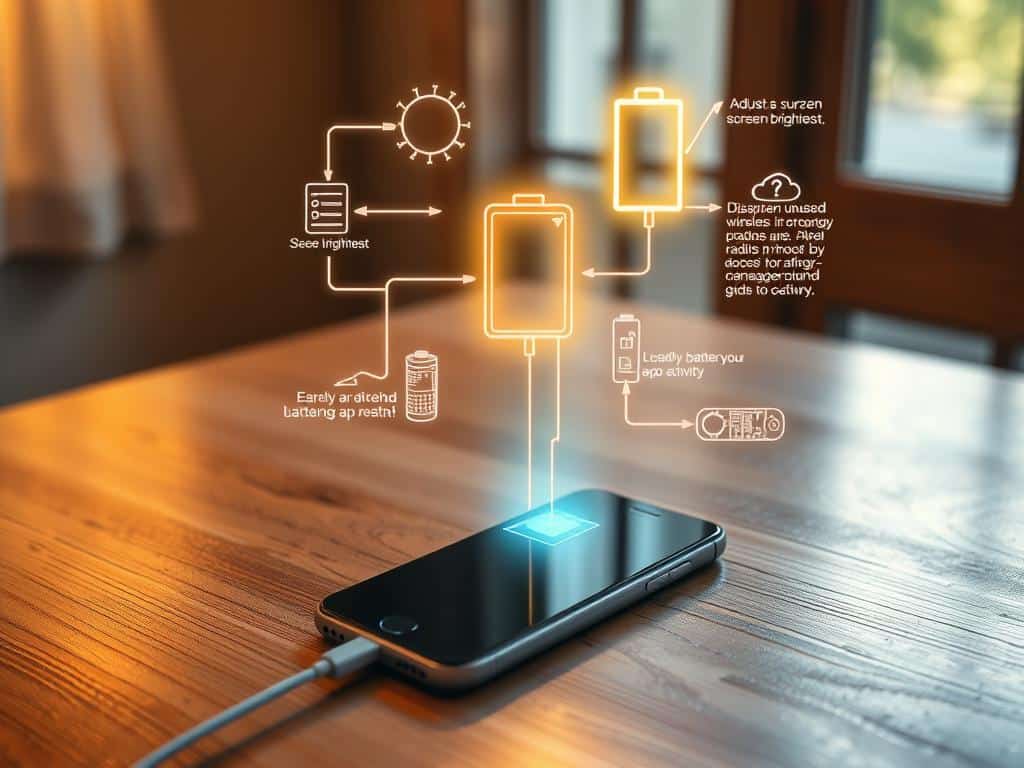
One easy trick is to adjust your screen brightness settings. Try keeping it at 50% or use adaptive brightness. This small tweak can make your phone last much longer before needing a charge.
Managing Location Services
Managing your location services is also key. Only let apps track your location when you’re using them. This helps save your battery. Always check your settings to make sure only important apps use GPS.
Utilizing Battery Saver Modes
Turning on battery saver mode is essential when your battery starts to run low. It limits background activities and saves power. This lets your phone last longer until you can charge it again.
Handling Background App Activity
Watching your background app activity is another way to save power. Check which apps use the most energy and turn off features you don’t need. This helps cut down on power use and makes your battery last longer.
Conclusion
Using the tips from this article helps keep my smartphone’s battery life up. I’ve learned what causes batteries to drain fast and how to save power. This is key for anyone wanting to get more out of their phone.
Now, I know how to adjust the screen brightness and manage location services. I also use battery saver modes to make my phone last longer. Each step I take helps my phone stay efficient and work better for longer.
By knowing these tips, my phone stays charged all day. This saves me time and money on buying new batteries. In short, making a few simple changes every day can greatly improve my phone’s battery life.