Did you know that about 70% of projects fail because of bad project management? This shows how important the best project management apps are today. Using the right software makes projects better organized and boosts work efficiency. It helps manage tasks, track progress, and see how teams are doing.
In this article, I’ll talk about top apps and their special features. They meet different project needs.
Key Takeaways
- The best project management tools increase project visibility and accountability.
- Effective task tracking enhances deadlines and resource management.
- Streamlined workflows improve overall business productivity.
- Team collaboration is made easier with dedicated software solutions.
- Selecting the right project management app is key for project success.
Why Use Project Management Tools?
Project management tools have changed how I work. They help organize complex projects, making work more efficient and productive. With these tools, I can focus on important tasks and avoid missing deadlines.
Maximizing Efficiency and Productivity
Using project management tools boosts productivity a lot. They handle routine tasks and make processes smoother. This lets me focus on key tasks.
With task management features, I can set deadlines and track progress easily. This keeps everyone on the team on track and aware of their tasks.
Creating a Single Source of Truth
These tools also create a single place for all project info. This stops confusion and makes sure everyone has the same info. It’s key for managing projects well.
Facilitating Team Collaboration and Communication
Project management tools help teams work together better. They have features for easy communication. This keeps the team talking and makes decisions faster.
This teamwork is key for successful projects. It makes sure everyone is involved and knows what’s happening.
Best Project Management Apps
Choosing the right project management software can boost team efficiency and make workflows smoother. Many options have unique features for different project needs. I’ll explore some top apps, highlighting their strengths and weaknesses. This guide will help you choose the best for your team’s productivity.
Overview of Top Project Management Software
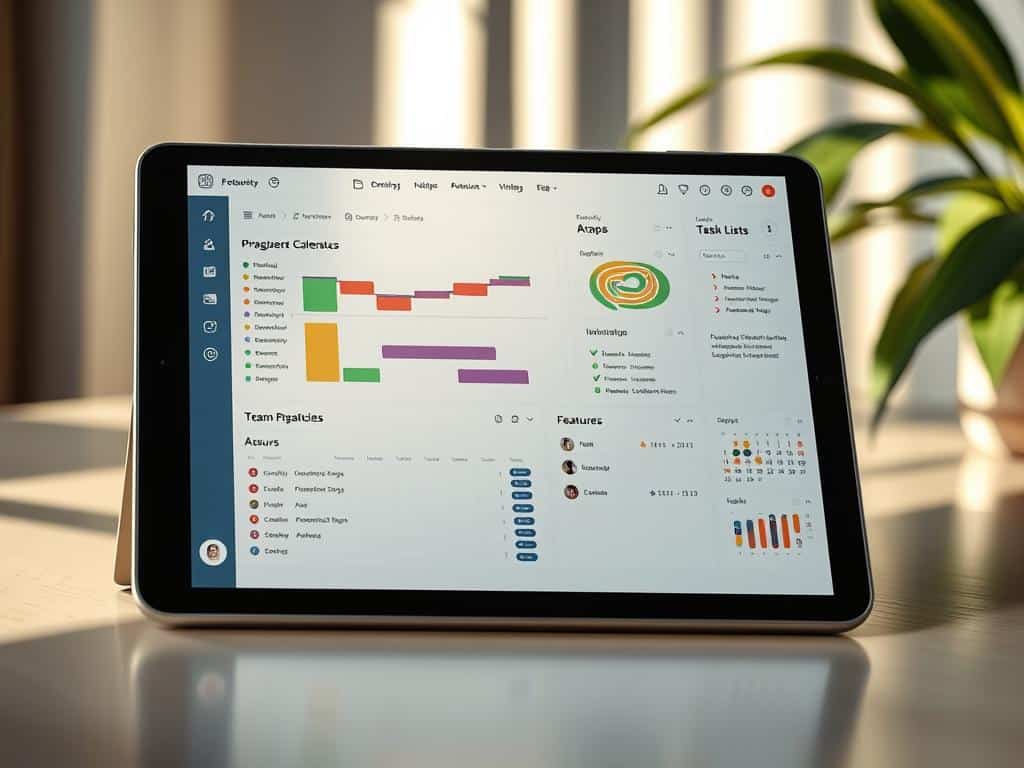
Each tool has its own role. ClickUp is known for its wide range of features, including List, Board, Calendar, and Gantt charts. It’s great for advanced task management, with subtasks, checklists, and prioritization. It also integrates with over 1,000 apps, like Slack and Google Drive.
But, ClickUp’s many features can be overwhelming for beginners. Its interface might seem cluttered for simple projects.
Trello is simple and easy to use. It uses Kanban-style boards for task organization. It has basic automation and connects with apps like GitHub and Google Workspace. Yet, it lacks complex features like Gantt charts, which might limit its use in detailed projects.
Asana offers a more detailed approach to project management. It has List, Kanban, Timeline, and Calendar views. It supports detailed task dependencies and workflow automation. Asana connects with over 200 apps, improving team collaboration and tracking. Though it’s clean and easy to use, it might be pricier and harder to learn than some alternatives.
Key Features to Consider in a Project Management Tool
When choosing a tool, focus on features that match your team’s needs. Look for task organization methods and visual tracking options. Automation and integrations with other apps are also key. Make sure the tool fits your budget, as teams grow.
Trello vs Asana: A Comparative Analysis
Trello and Asana have different strengths. Trello’s boards are easy to use and great for basic task tracking. It’s simple but lacks complex features for large teams. Asana, on the other hand, has more features, including various task views and detailed tracking. It might take time to learn, but it’s better for complex projects.
Conclusion
Choosing the right project management tools is key to success. My review of different apps shows how they boost efficiency and organization. They help with everything from scheduling to managing resources, making teams work better together.
Each app has its own strengths, like boosting productivity and keeping all info in one place. They help teams stay on track and focused. This makes work flow smoothly and reduces mistakes.
I suggest you check out these tools for yourself. They can really change how you work. By using the right software, your team can achieve great things. Start now and see how these tools can help you meet your project goals.