Did you know over 1.7 trillion images are shared online every year? This huge number shows how much people love photos. It also highlights the need for top photo editing apps. These apps have grown from simple filters to include advanced features like AI editing.
In this article, I’ll show how photo editing is key in today’s storytelling and creativity. I’ll share my favorite photo editing apps. They’re great for both hobbyists and pros, thanks to easy-to-use interfaces and free filters.
Key Takeaways
- 1.7 trillion images are shared online annually, stressing the importance of photo editing.
- The best photo editing apps offer more than basic filters.
- Many apps are excellent Photoshop alternatives for everyday users.
- AI editing tools boost creativity and make editing faster.
- Free filters let users try new things without spending money.
Discovering the Best Photo Editing Apps
Photo editing is key for anyone wanting to improve their photos. It turns simple pictures into stunning visuals that tell a story or evoke feelings. It fixes flaws, boosts the look, and makes my photos pop in a digital sea.
Every photo I take can become amazing with the right editing tools.
Why Photo Editing is Important
Editing is vital for telling stories through photos. A good edit can catch the eye more than a raw photo. Adjusting lighting, colors, and sharpness makes my photos tell a story.
Using artistic filters adds a special touch, drawing in viewers and stirring emotions. These tweaks help my photos share my message clearly.
Key Features to Look For
When choosing a photo editing app, I look for key features. I want apps that are easy to use, so I can focus on editing without stress. A variety of artistic filters lets me express my creativity and fine-tune each photo.
AI-powered tools make editing faster and more efficient. This way, I can get the look I want quickly.
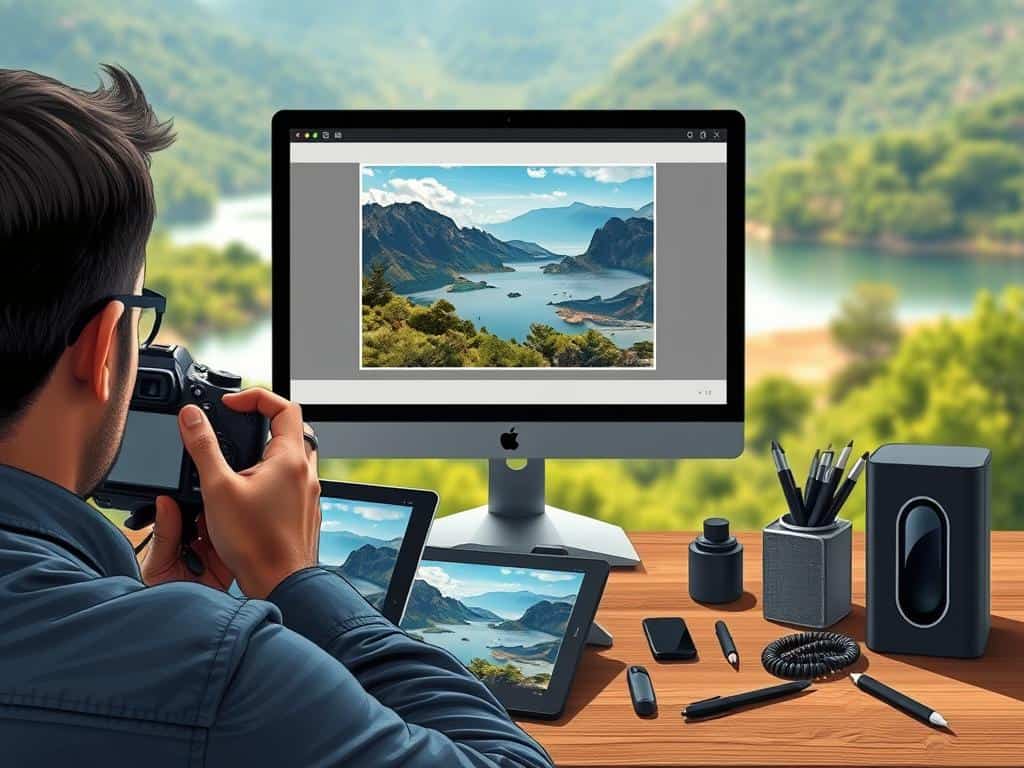
Top Picks for Photo Editing Apps
In my search for the best photo editing apps, I found a few gems. Each app has its own special features that meet different artistic needs.
BeCasso – A Professional Tool
The BeCasso review shows it’s a top-notch tool for artists. It offers many artistic filters and AI editing. It’s great for making high-quality artwork, perfect for those aiming for gallery standards.
It has a wide range of styles, making it good for both newbies and pros.
Waterlogue – The Classic Watercolor App
Waterlogue is loved for its beautiful watercolor effects. It’s perfect for landscapes and city views. The app’s interface is easy to use, turning photos into watercolor masterpieces with a few taps.
It’s a mix of art and simplicity, making it a key tool for me.
Painnt – Extensive Filter Library
Painnt is known for its huge filter library, with over 700 art styles. This means users can easily find the right look for their photos. The variety of options lets users create unique images every time.
Brushstroke – My Top Choice
Brushstroke is my top pick for photo editing. It lets users turn photos into paintings with customizable canvases. The app’s unique features add a personal touch to every piece.
Its flexibility makes it a favorite for exploring artistic expression.
Conclusion
Choosing the right photo editing apps can really improve your photography. Apps like BeCasso, Waterlogue, Painnt, and Brushstroke offer unique features. They meet different artistic needs and tastes.
When picking photo editing apps, think about what you want to achieve. Do you want BeCasso’s professional look or Waterlogue’s watercolor effects? The choices are many.
Exploring these apps showed me how important they are for creative vision. They let me express my style and creativity. With these tools, I can try new things and grow as a photographer.
Using these top apps makes my photos better and adds an artistic touch. They help me capture memories in a special way. As I keep exploring photography, these apps will always be a key part of my toolkit.