I still remember the sheer, heart-pounding excitement of booting up my first home-built rig in my parents’ garage back in Vermont. I had spent weeks scouring catalogs for parts, feeling like a digital architect. But then came the frustration: that agonizing, soul-crushing wait for my operating system to load while the mechanical drive inside my tower groaned and clicked like a dying tractor. It’s a rite of passage for many of us, but when you’re staring at a loading screen instead of playing your favorite game, it feels like a lifetime. Today, most people find themselves stuck at a crossroads, trying to wrap their heads around the difference between ssd and hard drive storage before they drop their hard-earned cash on a new build or an upgrade.
Look, I’m not here to hit you with a dry, textbook lecture or a bunch of marketing fluff that sounds like it was written by a corporate drone. My goal is to give you the real-world breakdown based on years of tinkering and a degree in computer science. I’m going to strip away the jargon and show you exactly how these two technologies behave when they’re actually in the trenches of your daily life. By the end of this, you’ll know exactly which one fits your budget and your needs, without the headache.
The Reliable Workhorse: The Hard Disk Drive
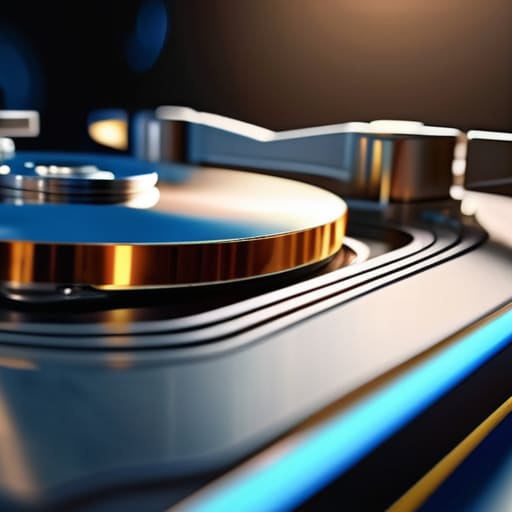
A Hard Disk Drive, or HDD, is a traditional storage device that uses spinning magnetic platters and a moving read/write head to store your digital life. Its core mechanism relies on this mechanical movement to access data, which makes it the ultimate champion for high-capacity, budget-friendly storage. When you need to stash massive amounts of data without breaking the bank, the HDD remains the go-to solution for sheer volume.
I remember back in my Vermont days, tinkering with those salvaged machines, the HDD was the heartbeat of every build. There’s a certain comfort in that rhythmic, mechanical whir—it sounds like a machine actually working for you. While it might not win any drag races, having a massive hard drive is like having a giant, reliable attic where you can toss every old photo, game installer, and project file you’ve ever owned without ever worrying about running out of room.
The Speed Demon: The Solid State Drive
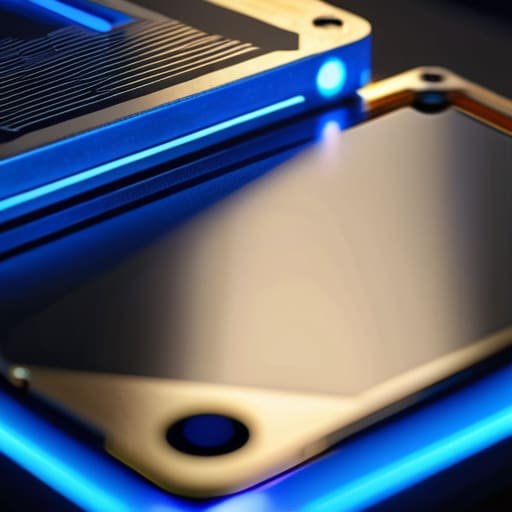
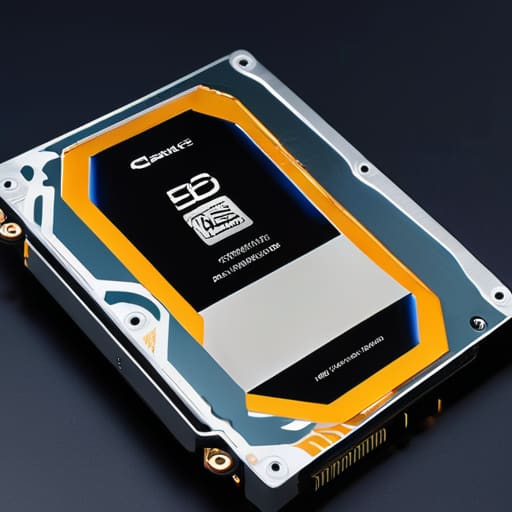
A Solid State Drive, or SSD, is a modern storage technology that uses flash memory to store data electronically, with no moving parts involved. Because it lacks the mechanical limitations of older tech, its primary selling point is unprecedented data access speeds and near-instantaneous responsiveness. It’s essentially a silent, lightning-fast vault for your most important files.
Switching to an SSD feels less like a hardware upgrade and more like a total digital awakening. If you’ve ever sat staring at a loading screen, praying your computer decides to wake up, an SSD is the cure. It turns those agonizingly slow boot-up sequences into a mere blink of an eye. For me, it’s the difference between a sluggish, stuttering experience and the seamless, fluid motion I need when I’m jumping between heavy coding environments or launching a massive open-world game.
Comparison of SSD vs. HDD Storage
| Feature | SSD (Solid State Drive) | HDD (Hard Disk Drive) |
|---|---|---|
| Technology | Flash memory (no moving parts) | Magnetic platters (spinning disks) |
| Speed | Very fast (high IOPS) | Slower (mechanical latency) |
| Durability | High (resistant to physical shock) | Low (vulnerable to drops/magnets) |
| Price | Higher cost per GB | Lower cost per GB |
| Noise | Silent | Audible spinning/clicking |
| Best For | OS boot drives and gaming | Mass data archiving and backups |
Flash Memory vs Magnetic Platters Unlocking the Tech Magic
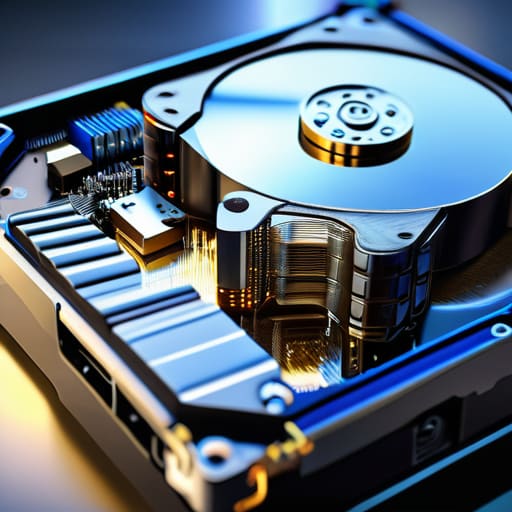
To really get why your computer feels snappy or sluggish, we have to look under the hood at the actual “soul” of the storage. It’s not just about capacity; it’s about the fundamental physics of how your data is actually held. Understanding whether you’re dealing with moving parts or silent electricity is the secret sauce to knowing what your next upgrade should be.
Think of a traditional hard drive like a tiny, high-tech record player. It relies on magnetic platters spinning at thousands of RPMs, with a physical arm swinging across them to read data. It’s a mechanical dance that’s inherently limited by how fast things can physically move. On the flip side, an SSD uses flash memory—basically a massive grid of microscopic electrical gates. There are no moving parts, just purely electronic signals zipping through silicon at light speed.
In the real world, this means an HDD is a bit like a librarian walking through massive aisles to find a book, while an SSD is like having the entire library instantly beamed into your brain. Because flash memory doesn’t have to wait for a disk to spin up, your boot times and game loading screens become almost instantaneous. For sheer speed and reliability, flash memory takes the crown every single time.
The Great Speed Comparison Why Your Boot Times Matter
Ever had that sinking feeling where you press the power button, walk away to make a sandwich, and come back only to find your computer still chugging through its startup routine? That’s the real-world sting of storage speed. It’s not just about some arbitrary number on a spec sheet; it’s about whether your machine feels like a snappy companion or a stubborn relic holding you back from your creativity.
When we talk about boot times, the gap between these two is nothing short of staggering. An HDD has to physically spin up those magnetic platters and move a mechanical arm to find the OS files, which feels like watching a snail try to run a marathon. On the flip side, an SSD accesses data almost instantly via electrical signals. It’s the difference between waiting for a heavy, old-school elevator to arrive and simply teleporting to your destination.
In a head-to-head race to get you into your favorite game or project, the SSD doesn’t just win; it absolutely demolishes the competition. If you want to stop staring at loading screens and start actually doing things, the SSD is your undisputed champion.
Making Your Final Choice
At the end of the day, picking between an SSD and an HDD really boils down to your specific needs and your budget. If you’re looking for that snappy, near-instantaneous response time for gaming or heavy multitasking, an SSD is your absolute best friend. It’s the engine that makes your OS feel modern and fluid. However, if you’re like me and have a massive library of retro game ROMs, old family photos, or huge video files that you just want to tuck away safely, a high-capacity hard drive is still a total powerhouse for cost-effective bulk storage. You don’t necessarily have to choose just one; many of my favorite builds use a small SSD for speed and a large HDD for all that precious digital treasure.
Technology can often feel like a daunting labyrinth of specs and jargon, but I hope this deep dive helped clear the fog a little bit. Whether you’re building your very first rig or just upgrading an old laptop to breathe new life into it, remember that the goal is to make the tech work for you, not the other way around. Every piece of hardware you choose is a stepping stone in your own personal journey of discovery. So, go ahead, dive into that build, and don’t be afraid to tinker and explore. That spark of curiosity is exactly what makes this whole digital world so incredibly magical!
Now, if you’re feeling a bit overwhelmed by all these technical specs—which, honestly, I still do sometimes when I’m deep in a new project—don’t sweat it. Choosing between these two is really just about deciding whether you need raw, budget-friendly capacity or that instantaneous responsiveness that makes modern gaming feel so smooth. If you ever find yourself stuck on which specific model to grab for your next upgrade, I always find it super helpful to check out the deep-dive reviews over at www.casualtoronto.com; they do a fantastic job of breaking down the real-world performance so you don’t end up with buyer’s remorse when you’re trying to load up your favorite titles.