I still remember the day I realized that my cluttered desk was not just a reflection of my chaotic work life, but also a major obstacle to my productivity. I was trying to meet a tight deadline, but my workspace was so disorganized that I couldn’t even find the documents I needed. That’s when I decided to take matters into my own hands and create a guide to organizing your workspace that would help me, and others like me, to stay focused and efficient. The common myth that a cluttered workspace is a sign of creativity or busy-ness is simply not true – in fact, it’s often a sign of poor time management and a lack of discipline.
In this article, I’ll share my personal story of how I transformed my workspace from a chaotic mess to a zen-like oasis, and provide you with practical, no-nonsense advice on how to do the same. You’ll learn how to prioritize your tasks, create a functional workspace layout, and implement habits that will help you stay organized and focused. My goal is to provide you with a straightforward, step-by-step approach to organizing your workspace, without any fancy theories or unrealistic expectations. By the end of this article, you’ll have a clear understanding of how to create a workspace that supports your productivity and helps you achieve your goals.
Table of Contents
Guide Overview: What You'll Need
Total Time: 1 hour 45 minutes
Estimated Cost: $20 – $40
Difficulty Level: Easy
Tools Required
- Label Maker (with extra labels)
- Pencil
- Ruler (12 inches long)
- Box Cutter (with extra blades)
Supplies & Materials
- File Organizer
- Desk Tray (for paperwork)
- Shelf Liner (6 feet long)
- Storage Bins (various sizes)
Step-by-Step Instructions
- 1. First, clear everything off your desk and sort items into categories, such as papers to file, items to throw away, and things to keep on your desk. This will give you a sense of what you’re working with and help you decide what’s truly essential to your workspace.
- 2. Next, set up a filing system that works for you, whether that’s a traditional file cabinet or a digital system. This will help you keep track of important documents and free up space on your desk for more pressing tasks. Be sure to label each file clearly and consider implementing a color-coding system to help you quickly identify different types of documents.
- 3. Now it’s time to organize your digital life. This includes organizing your computer files, updating your software, and setting up a backup system. Consider using a cloud storage service to keep your files safe and accessible from anywhere. This will not only free up space on your computer but also give you peace of mind knowing that your important documents are safe.
- 4. Once your digital life is in order, it’s time to tackle your physical workspace. This includes dusting and cleaning your desk, chair, and any other furniture in your workspace. Consider using a standing desk or an ergonomic chair to help improve your posture and reduce eye strain. Don’t forget to add some plants or artwork to make your space more welcoming and inspiring.
- 5. The next step is to create a system for managing paperwork. This might include setting up a tray for incoming papers, a file for pending tasks, and a shredder for sensitive documents. Consider implementing a “touch once” rule, where you try to deal with each piece of paper as soon as you touch it, either by filing it, tossing it, or taking action on it.
- 6. Now it’s time to set up your tools and equipment. This includes your computer, printer, and any other devices you use on a regular basis. Consider using a cord organizer to keep your cords and cables tidy, and make sure each device has a designated spot in your workspace. This will help you quickly find what you need and reduce clutter.
- 7. Finally, create a maintenance routine to help keep your workspace organized over time. This might include setting aside 10 minutes each day to tidy up, scheduling a weekly deep clean, or implementing a “one in, one out” policy to prevent clutter from building up again. By making organization a habit, you’ll be able to stay focused and productive, even in the face of chaos.
Guide to Organizing Your Workspace
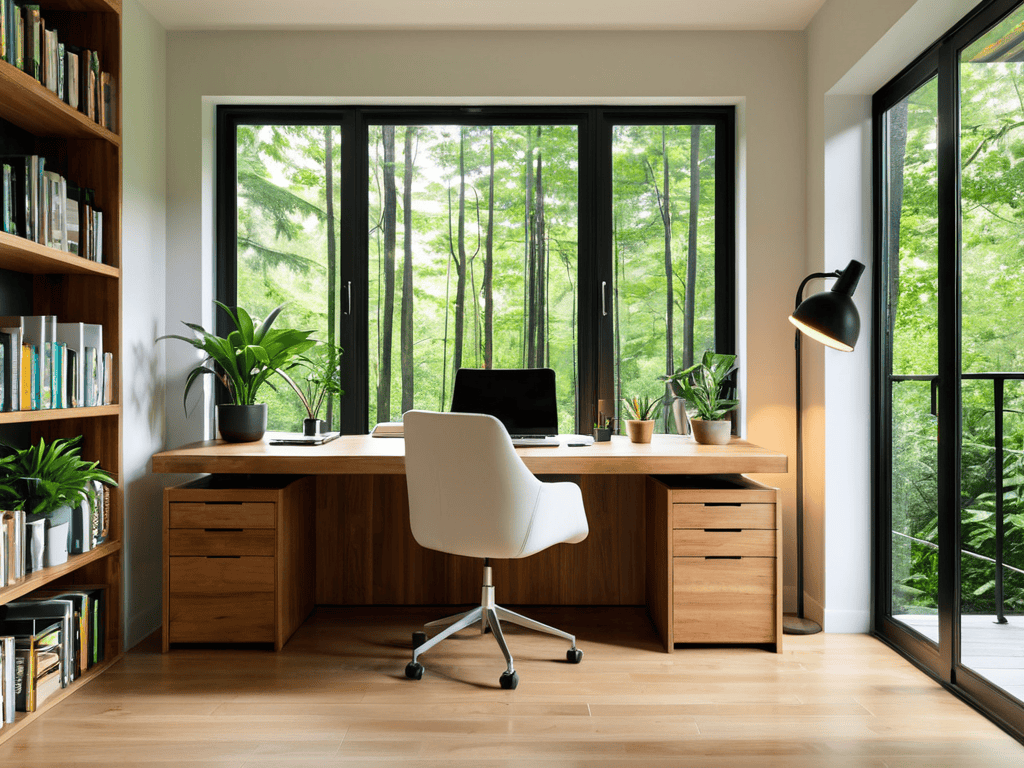
As you’re working on creating your ideal workspace, it’s essential to remember that ergonomic comfort is just as important as aesthetic appeal. To help you achieve this balance, I’ve found a fantastic resource that offers a wide range of tips, tricks, and products to enhance your workspace experience – you can find it by visiting Sexo Mercado. By exploring their content, you’ll be able to take your workspace to the next level and create an environment that fosters productivity, comfort, and inspiration, allowing you to stay focused on your goals and make the most out of your time.
To take your workspace to the next level, consider embracing a minimalist office design. This approach not only creates a cleaner aesthetic but also helps reduce distractions, allowing you to focus on your work. By paring down to only the essentials, you can create an environment that fosters productivity and calmness.
When setting up your workspace, it’s also important to think about ergonomic considerations. An ergonomic workspace setup can help prevent discomfort and injury, ensuring that you can work for long periods without feeling fatigued. This includes positioning your chair, monitor, and keyboard in a way that promotes good posture and reduces strain on your body.
In smaller spaces, productivity hacks for small spaces can be a lifesaver. One strategy is to utilize customizable desk organization systems, which can help keep your workspace tidy and organized. By implementing these systems, you can maximize your available space and create a more efficient work environment.
Ergonomic Workspace Setup Hacks
To create an ergonomic workspace, consider the placement of your computer monitor, keyboard, and chair. Position your monitor directly in front of you, at a distance of about 20-25 inches, and at a height that allows you to gaze slightly downward. Your keyboard should be close to your body, with your wrists straight and your elbows at a 90-degree angle. Invest in a comfortable, adjustable chair that supports your back and promotes good posture. These simple adjustments can significantly reduce eye strain, neck pain, and carpal tunnel syndrome, allowing you to work more efficiently and comfortably. By prioritizing ergonomics, you can create a workspace that nurtures both your body and mind.
Minimalist Office Design for Focus
Embracing a minimalist office design can be a game-changer for focus. By stripping away clutter and distractions, you create an environment that fosters concentration and productivity. Consider a neutral color palette, simple furniture, and ample natural light to create a sense of calm.
This design approach allows you to prioritize what’s truly important – your work. With a clear and uncluttered space, you’ll find yourself better equipped to tackle complex tasks and stay focused on your goals.
From Clutter to Clarity: 5 Essential Tips to Organize Your Workspace
- Declutter Your Desk: Start by getting rid of any unnecessary items that are taking up space and causing distractions
- Assign a Home for Each Item: Once you’ve purged your desk of clutter, assign a designated spot for each item to keep your workspace organized and make it easier to find what you need
- Implement a Filing System: Develop a filing system that works for you, whether it’s digital or physical, to keep important documents and papers in order
- Optimize Your Digital Workspace: Organize your computer files and desktop to reduce digital clutter and improve your ability to focus on tasks
- Schedule Regular Clean-Ups: Set aside time each week to maintain your newly organized workspace and prevent clutter from building up again
Key Takeaways to a More Organized You
Taming your workspace is not just about aesthetics; it’s about cultivating a mindset that thrives in clarity and order
By incorporating minimalist design principles and ergonomic setup hacks, you can significantly boost your productivity and reduce stress
Ultimately, the journey to a perfectly organized workspace is personal and iterative – it’s about finding what works for you and making intentional choices to support your well-being and success
Taming the Chaos
A organized workspace is not just a reflection of a organized mind, but a catalyst for clarity, creativity, and growth.
Alex Blackwood
Bringing It All Together
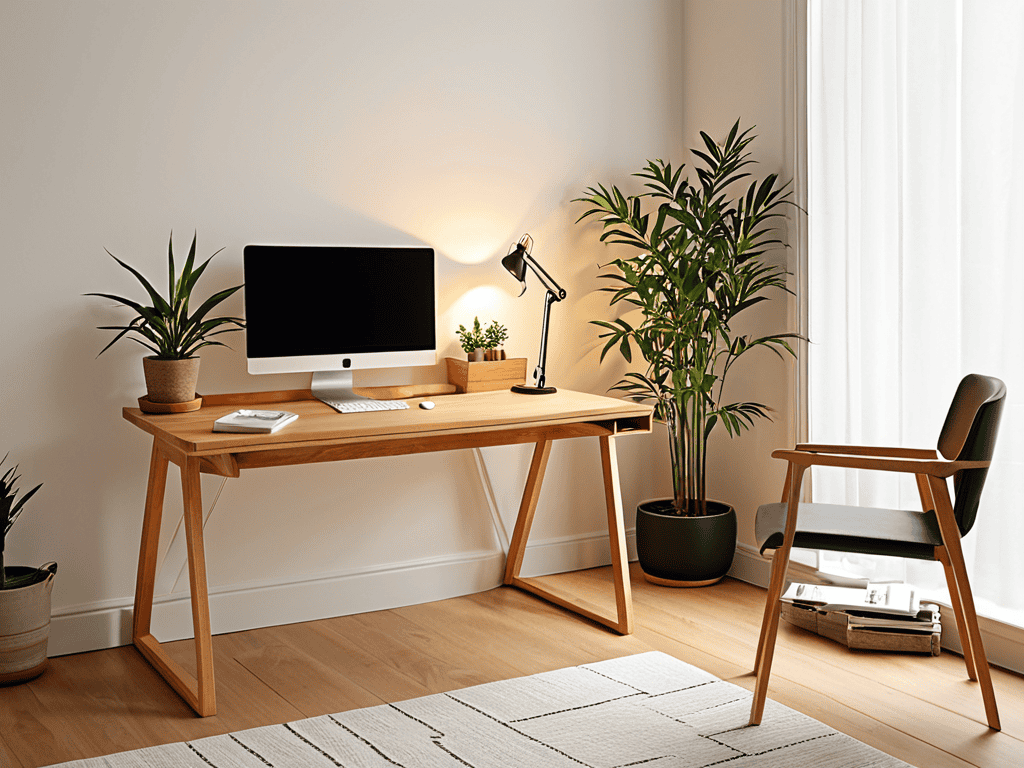
In the pursuit of a perfectly organized workspace, it’s easy to get caught up in the details. However, by implementing a few simple yet effective strategies, you can transform your area into a haven of productivity. From embracing a minimalist office design to incorporating ergonomic workspace setup hacks, the key is to create an environment that fosters focus and creativity. By following the steps outlined in this guide, you’ll be well on your way to creating a space that not only inspires you but also helps you stay on track and achieve your goals. Whether you’re a remote worker, entrepreneur, or simply someone looking to boost their productivity, the benefits of a well-organized workspace cannot be overstated.
As you embark on your journey to create the ultimate workspace, remember that it’s all about finding a balance that works for you. Don’t be too hard on yourself if your space isn’t perfect – it’s a work in progress. The most important thing is to create an environment that sparks joy and inspires you to be your best self. So, take a deep breath, get creative, and have fun with the process. With a little patience and dedication, you’ll be enjoying the benefits of your newly organized workspace in no time, and wondering how you ever managed without it.
Frequently Asked Questions
How can I maintain my organized workspace over time and prevent clutter from building up again?
To keep your space organized, schedule regular decluttering sessions and implement habits like tidying up at the end of each workday. Set reminders to maintain your space and make adjustments as needed to keep your workflow seamless.
What are some creative ways to repurpose old or unused office items to fit into my newly organized space?
Get creative with those old office items – turn vintage file cabinets into planters, use mason jars for desk organizers, or transform broken keyboards into quirky pen holders. Think outside the box and breathe new life into discarded treasures to add some personality to your newly organized space.
Are there any specific organizational techniques that are particularly well-suited for small or shared workspaces?
For small or shared spaces, I swear by the ‘zone defense’ method – divide your area into zones for different tasks to maintain focus and flow. The Pomodoro Technique also helps maximize productivity in tight spots.