Did you know over 70% of college students see a laptop as key to their success? This shows how important a good laptop is for students. It needs to be powerful and light enough to carry around campus.
In this guide, we’ll look at laptops that are great for students. We’ll find laptops that are affordable and meet all your needs. Whether you want something premium, mid-range, or budget-friendly, we’ll cover what matters most. Let’s find the perfect laptop for college.
Key Takeaways
- The best laptops for students should balance power with portability.
- Performance is key for tasks like presentations and watching videos.
- Battery life is vital for staying productive all day.
- Weight and size matter for easy carrying on campus.
- Choosing the right laptop can really improve your study experience.
Understanding Student Needs for Laptops
Students face many demands, and the right laptop is key to their success. It’s important to choose a laptop that fits their needs. Things like performance, portability, and battery life make learning better.
Importance of Power and Performance
For students, a powerful laptop is essential. I often use devices like the Apple MacBook Air with the M3 chip. Or, I go for Windows options like the Dell XPS series. These laptops handle tough tasks well, from graphics to productivity software.
Role of Portability in Student Life
Being on campus, I see how important a portable laptop is. Models like the Acer Swift Go and ASUS Vivobook are great. They’re light and powerful, making it easy to carry them around campus.
Battery Life Considerations
Battery life is also key when picking a laptop. I look for devices that last all day, like the Lenovo IdeaPad Slim Chromebook. This way, I can study without worrying about running out of battery.
Best Laptop for Students: Top Picks
Finding the right laptop is key for students. It affects their work and study experience. Here are the best laptops, sorted by price, to help you choose.
Premium Choices: Apple MacBook Air 13 (2024)
The Apple MacBook Air 13 (2024) is top-notch. It has a powerful M4 chip for great performance. It also lasts up to 18 hours on a single charge.
This laptop is sleek and light. It comes in a new sky blue color. It has a Liquid Retina display and modern features like Wi-Fi 6E. Prices start at $1,199, making it a great choice for students.
Mid-Range Options: Acer Swift Go 14 (2024)
The Acer Swift Go 14 (2024) is a solid mid-range option. It has Intel’s “Meteor Lake” Core Ultra processors. This means it’s good for both schoolwork and fun.
It has a metal body and a bright screen. The keyboard is comfy for long typing. Starting at $849.99, it’s a great value, though it can be noisy and has extra software.
Budget-Friendly Options: ASUS Vivobook 16 M1605 (2023)
The ASUS Vivobook 16 M1605 (2023) is perfect for budget shoppers. It has a big 16-inch screen for easy multitasking. It’s powered by AMD Ryzen processors for smooth performance.
It’s affordable without giving up important features. This makes it a great choice for those watching their budget.
Alternative Laptops: Lenovo IdeaPad Slim 3i Chromebook 14 (2023)
The Lenovo IdeaPad Slim 3i Chromebook 14 (2023) is simple and reliable. It’s made for web tasks and document editing. It has a 14-inch screen for easy viewing.
It’s light and easy to use. It’s perfect for students who want something straightforward without the hassle of complex systems.
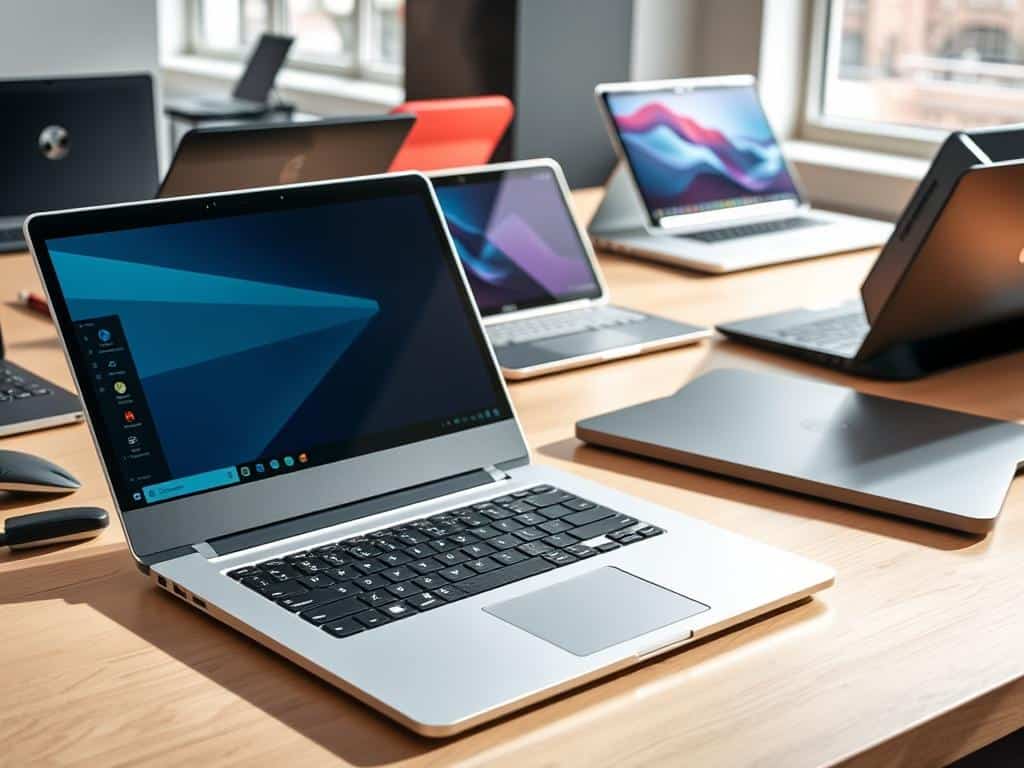
Key Features to Look for in Student Laptops
Choosing a laptop for school or college is important. Look for good display quality, lots of ports, and a comfy keyboard. These features help a lot with studying and writing.
Display Quality and User Experience
A laptop’s display is key for clear and bright visuals. The Asus ZenBook 14 OLED Touch has a 14-inch OLED screen. It shows colors well, making videos and graphics better.
The Apple MacBook Air (M1) also has a great display. Its 13.3-inch Retina screen shows colors vividly. A good display makes studying and presentations easier.
Port Selection and Connectivity
Students need laptops that can connect to many devices. The Acer Swift Go 14 has lots of ports, including USB4. This makes it easy to connect projectors or more storage.
The MacBook Air has two USB Type-C ports. This lets students connect many peripherals. It’s important to find laptops with many connection options.
Keyboard Comfort and Touchpad Responsiveness
Students spend a lot of time typing on their laptops. The ZenBook 14 and Swift Go 14 have great keyboards. They make typing easy.
These laptops also have responsive touchpads. This makes moving around the screen smooth. When choosing a laptop, look at the keyboard and touchpad first.
Conclusion
Finding the perfect laptop is key for students who need power and portability. This article has shown the top laptop picks for students. It considers performance, portability, and budget.
It’s vital to think about what I need to choose the best laptop for my studies. The options range from the Apple MacBook Air 13 to the ASUS Vivobook 16. Each choice helps me stay on top of my schoolwork and daily tasks.
Making a smart choice is essential. Knowing what features and performance I need helps me pick the right laptop. With the right one, I’m ready to face college challenges head-on.