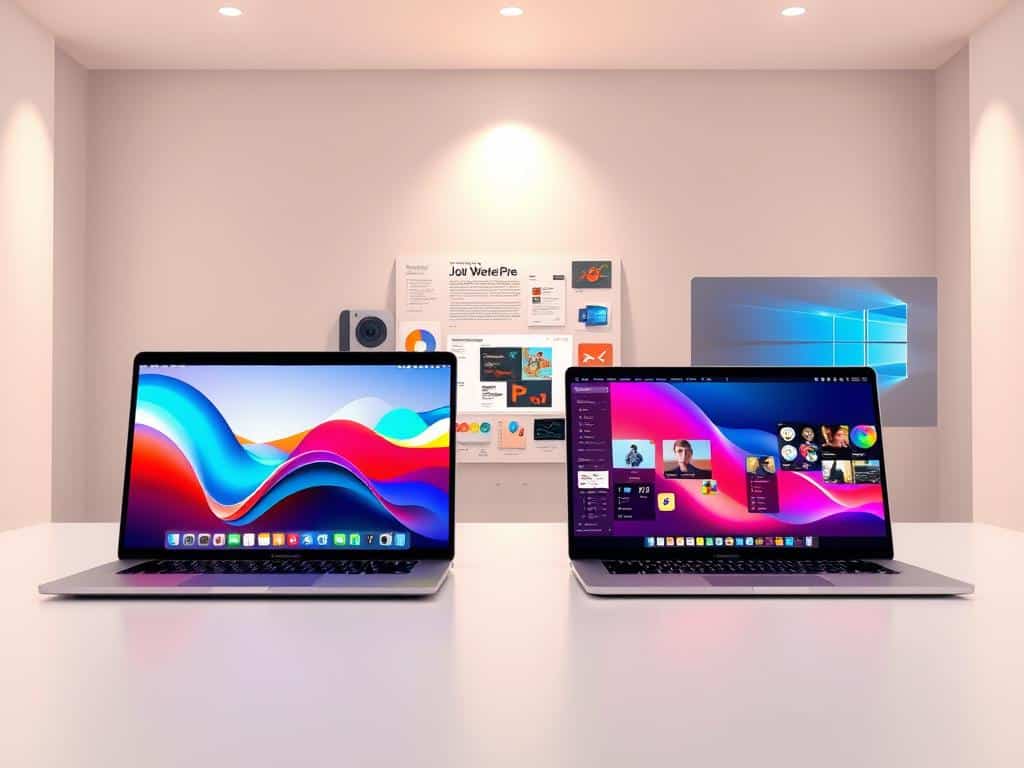
As a creative pro, I’ve often debated Mac vs Windows for making content. In a coffee shop, designers talked about their latest wins. A video editor loved his MacBook Pro with the M3 chip, saying it made editing 4K videos easy.
A game designer talked about his Windows rig. He said it was great for both rendering and gaming. This shows the big choice creators face: Mac for smooth performance or Windows for more control.
In this article, we’ll look at the top laptops for creators. We’ll see which OS is best for artists in 2025. This will help you choose the right OS for your creative work.
Key Takeaways
- Understanding the pros and cons of Mac and Windows is essential for creators.
- Performance metrics vary significantly depending on the tasks involved.
- Native applications on macOS offer seamless integration for creative work.
- Windows provides greater flexibility with hardware options and software compatibility.
- Security features and stability play a critical role in choosing between the two operating systems.
Understanding the Setup Experience
Setting up a new operating system is key to using my computer well for creative tasks. Both Mac and Windows aim to make this easy, with clear steps to get started. This helps me dive into their worlds quickly.
Initial Setup Processes: Mac vs Windows
When I set up a Mac, I pick my region, connect to Wi-Fi, and log in with my Apple ID. This lets me use iCloud for syncing data across devices. Windows does something similar, starting with region and network settings. Logging in with a Microsoft account makes syncing and app roaming easy.
Windows also offers a unique voice setup option. This hands-free feature is super convenient.
User Accounts and Ecosystem Integration
User accounts are important for both Mac and Windows. While I can use a Mac without an Apple ID, the full Apple experience requires it. Apple’s ecosystem, with Handoff, Universal Clipboard, and AirDrop, makes switching between devices easy.
This integration makes me rely on my Apple account for syncing and sharing. Windows, on the other hand, is flexible and fits many setups. It’s great for different preferences and workflows. Knowing how each platform handles setup helps me choose the right tools for creativity.
Performance Metrics for Creative Applications
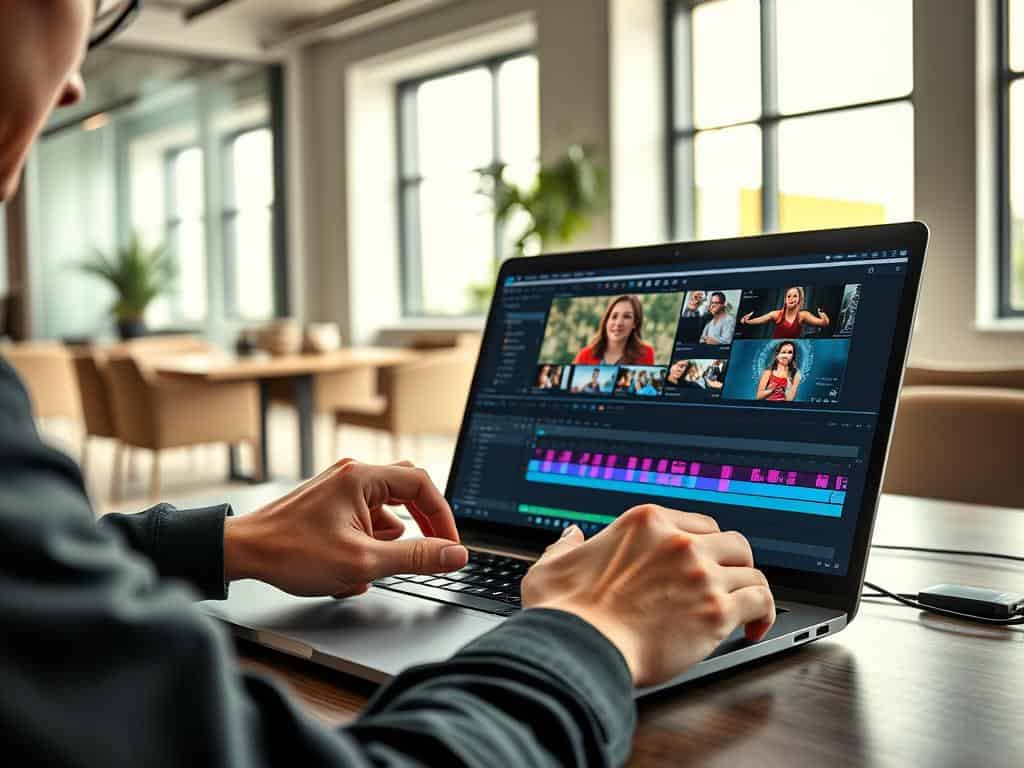
It’s important for creators to check how well their tools perform. I’m looking into how the Apple M3 Max MacBook Pro compares to PCs in tasks like video editing. Tools like Premiere Pro and DaVinci Resolve are key to my work, and how well they work affects my productivity.
Video Editing Capabilities: Premiere Pro and DaVinci Resolve
Video editing performance is key, and Premiere Pro shines on both Mac and PC. DaVinci Resolve also supports many formats well. But, Macs might struggle with RAW media due to GPU limits, which is a challenge for top-level video editing.
Photo Editing Performance: Photoshop and After Effects
Photoshop and After Effects work great on Macs, thanks to the M3 chip. They help me create high-quality photos quickly. The M3 chip’s single-thread performance is a big plus, making complex edits smooth.
Rendering Tasks: CPU vs GPU Capabilities
Rendering tasks show the difference between CPU and GPU power. PCs often win in multi-core rendering, which means faster project completion. Knowing this helps me choose the right hardware for my projects and deadlines.
Mac vs Windows for Creators: Software Compatibility and Features
Looking at software compatibility, we see big differences between macOS and Windows for creators. Each system has its own set of creative apps, meeting different needs and likes. Windows has a huge library of third-party software, covering many creative fields.
Third-Party Software Availability
Windows offers a wide range of third-party software for specific creative tasks. Autodesk Maya, Blender, and Cinema 4D are examples that work great with high-end hardware. This makes Windows a top choice for creators who want to explore new possibilities.
On the other hand, macOS has fewer third-party options but its apps are highly optimized. Final Cut Pro and Logic Pro make video and audio editing smoother for users. This shows macOS is great for professionals in these areas.
Included Applications: Advantages of Native Tools
MacOS comes with native tools that give creators big advantages. Apps like Final Cut Pro and Logic Pro work seamlessly with macOS. They offer a smooth experience and are perfect for graphic design, audio production, and video editing.
While Windows has powerful apps too, macOS’s native tools often lead to better workflows. This is because they are designed to work perfectly with macOS.
Unique Features: AI Integration and Specialized Software
AI integration is a big area where both OSes are making strides. Windows has Copilot AI, which helps with text and tasks. It makes work easier and more productive.
MacOS has improved Siri, making voice commands more accurate and helpful. These updates aim to make tasks simpler and more intuitive. This lets creators focus on their work without getting stuck on technical issues.
Conclusion
In this Mac vs Windows comparison, we looked at what makes the best OS for creative workflows in 2025. Mac and Windows each have their own strengths and weaknesses. Mac is known for its smooth integration with industry-standard software. Windows, on the other hand, offers more customization and compatibility.
When comparing performance, software, and features, it’s clear that the best choice depends on personal needs. Whether you prefer Mac’s sleek design and efficiency or Windows’ flexibility, your choice affects your creativity. Your software and hardware choices are critical.
As technology advances, creators should stay updated on new features in both systems. Knowing the latest updates helps us make better choices that match our creative goals. In the ever-changing world of content creation, being adaptable is essential to fully express our creativity.